Best Resume Format 2026: Chronological vs Hybrid
Confused about resume formats in 2026? Compare chronological, functional, and hybrid layouts and learn why hybrid works for 80% of job seekers today.
By Yuvraj Bajwa, Founder, WorkHunt
July 12, 2026 · Updated August 7, 2026 · 9 min read
2026 Hiring GuideWorkHunt articles are written to help job seekers make better application decisions and are reviewed against our editorial policy.
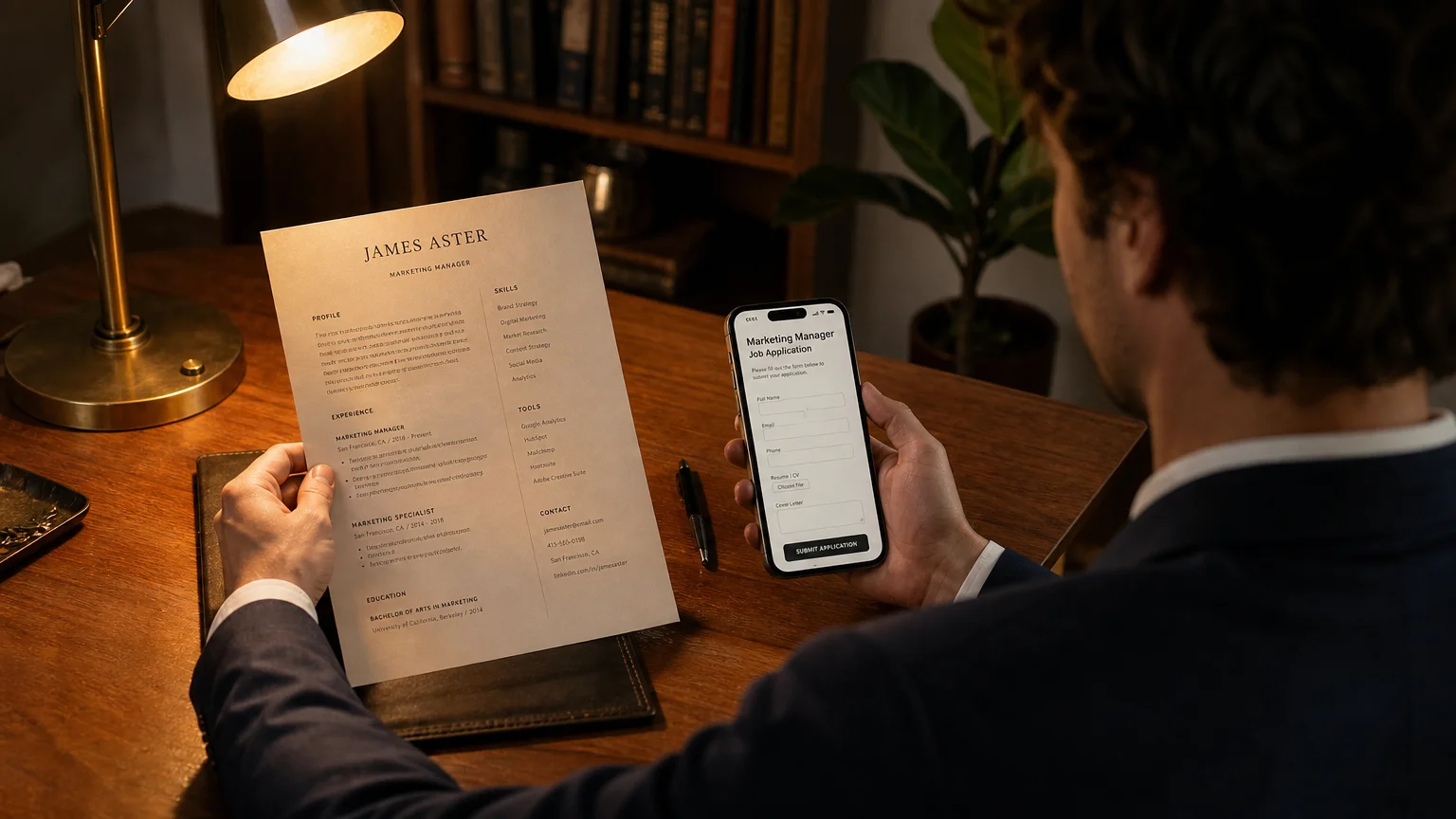
You’ve probably heard that your resume gets about six seconds to make an impression. In 2026, a human may not see it first. An automated system often does.
The format you choose affects more than appearance. It affects whether the resume can be read and reviewed.
Pick a format the ATS (Applicant Tracking System) cannot parse, and a recruiter may never see the resume. Use a readable format, and the system can process it before a recruiter reviews it.
This guide covers the three resume formats for 2026: chronological, functional, and hybrid. It explains when each format makes sense and why the available data favors one for most people.
The Three Resume Formats at a Glance
Here is the short version.
| Format | How It’s Structured | Best For | ATS Friendly? |
|---|---|---|---|
| Chronological | Work history listed in reverse-chronological order, with skills and education sections | Steady career progression, same-industry moves, senior roles | Yes, if kept simple |
| Functional | Skills and achievements grouped by theme, with a minimal work history section | Career changers, employment gaps, freelancers, contractors | Less reliable because it can confuse parsers |
| Hybrid (Combination) | Skills summary at the top, followed by reverse-chronological work history | Most job seekers (recommended default for ~80% of candidates) | Best of both worlds, ATS-friendly |
Source: StylingCV - recommends hybrid for 80% of job seekers
These are the main formats you’ll encounter in 2026. The right choice depends on your specific career story.
The sections below explain each format in more detail.
1. Chronological Resume Format
This is the standard format most people know.
How it works: You list your work experience in reverse-chronological order, so your most recent job comes first. Each role gets a few bullet points covering your responsibilities and achievements. Skills and education go into separate sections, usually near the bottom.
Pros:
- Familiar to recruiters and hiring managers, who know exactly where to look
- ATS-friendly because the simple structure is easy for parsers to read
- Shows career progression clearly over time
- Best for senior roles where tenure and advancement matter
Cons:
- Exposes employment gaps immediately because they’re visible in the timeline
- Doesn’t highlight transferable skills when you’re changing industries
- Can feel repetitive if you’ve had many similar roles
When to use it:
- You’ve worked in the same industry for 5+ years with steady promotion
- You’re applying for a senior or executive role where career progression is the main story
- Your work history is continuous with no major gaps
Examples:
- A marketing manager moving to a director role in the same industry
- A software engineer with 8 years at three tech companies, each promotion higher
- A registered nurse with a decade in hospital settings
Source: Career Enlightenment - chronological format best for steady progression Source: CV Owl - chronological format pros and cons
The warning: If you have an employment gap, career change, or inconsistent work history, the chronological format will highlight those details prominently, often not in your favor.
2. Functional Resume Format
This format leads with skills instead of work history.
How it works: You group your achievements and experience under skill themes (like “Project Management” or “Client Relations”). Your work history section is minimal, with company names and dates but no bullet points.
Pros:
- Hides employment gaps because the timeline isn’t the main focus
- Highlights transferable skills, which helps career changers
- Works well for freelancers or contractors with many short-term projects
- Emphasizes what you can do, not where you’ve done it
Cons:
- Least ATS-friendly format: parsers can struggle to extract dates and job titles from the non-linear structure Source: CV Owl
- Some recruiters read it as a red flag, assuming you’re hiding gaps, missing experience, or something else.
- It’s less common, so hiring managers may struggle to scan it quickly.

When to use it:
- You’re switching careers and want to highlight transferable skills rather than industry-specific experience
- Employment gaps of a year or more are part of your story
- Your work history is full of short-term contracts or freelance gigs that don’t line up neatly
- You’re easing back into work after a long time away
Examples:
- A teacher moving into corporate training
- A parent returning after a 5-year break from the workforce
- A freelance designer juggling 20+ clients over 3 years
Source: Arielle - functional format best for career changers and gaps Source: Career Enlightenment - functional format use cases
The big caveat: This format is the least ATS-friendly out there. I’d reserve it for smaller companies that skip applicant tracking systems, or pair it with a solid LinkedIn profile recruiters can check against.
3. Hybrid (Combination) Resume Format
The hybrid pulls from both chronological and functional styles, which is why it’s the go-to recommendation for 2026.
How it works: Open with a skills summary (2-4 bullet points or a short paragraph covering key competencies and achievements). Then list your reverse-chronological work history, adding bullets under each role.
Pros:
- Puts skills AND work history front and center, giving recruiters both narratives at once
- Plays well with ATS since the linear layout is straightforward to parse Source: Forbes
- Adapts to most career scenarios without much fuss
- Leads with your strengths while still tracing career growth
Cons:
- Runs a bit longer (though still within 1-2 pages)
- Requires thoughtful structuring because a disorganized hybrid is worse than a clean chronological
When to use it:
- You’re a typical job seeker (most people, honestly)
- You have some relevant experience but also want to highlight specific skills
- You want to be ATS-safe while still showing personality and impact
- You’re unsure which format to choose, so start here
Examples:
- An experienced accountant moving to a new industry (skills-first, then chronological work history)
- A project manager with strong leadership and budget management skills but a more varied work history
- Any recent graduate with relevant internships (skills section helps fill in experience gaps)
Source: StylingCV - hybrid recommended for 80% of job seekers Source: CV to Work - hybrid format guide
Why it’s the 2026 default: Multiple sources agree that the hybrid format balances skills, career history, and ATS compatibility. It is the safer choice when you need to show both skills and progression.
ATS Compatibility Deep Dive
In 2026, most resumes are read by software before a human sees them. Forbes confirms that. ATS compatibility is therefore part of the basic requirement.
What makes a resume ATS-friendly:
- Single-column layout: Two columns cause parsing errors Source: LinkedIn - recruiter survey on single-column preference
- Standard fonts: Times New Roman, Arial, Calibri, Helvetica. No decorative fonts.
- Clear section headers: “Work Experience,” “Education,” and “Skills.” Parsers look for these.
- No graphics, icons, photos, or tables: These confuse ATS software Source: Tursa - beat AI resume screening
- Simple bullet points: Use standard bullets (• or -), not custom symbols
- Keywords from the job description: Incorporate industry-specific terms naturally Source: Best Job Search Apps - ATS guide 2026
File format matters too. Some ATS systems prefer .docx over PDF. Check the job posting instructions. If they’re not specific, .docx is safer for most systems.
Source: Elite Resumes - ATS formatting do’s and don’ts 2026
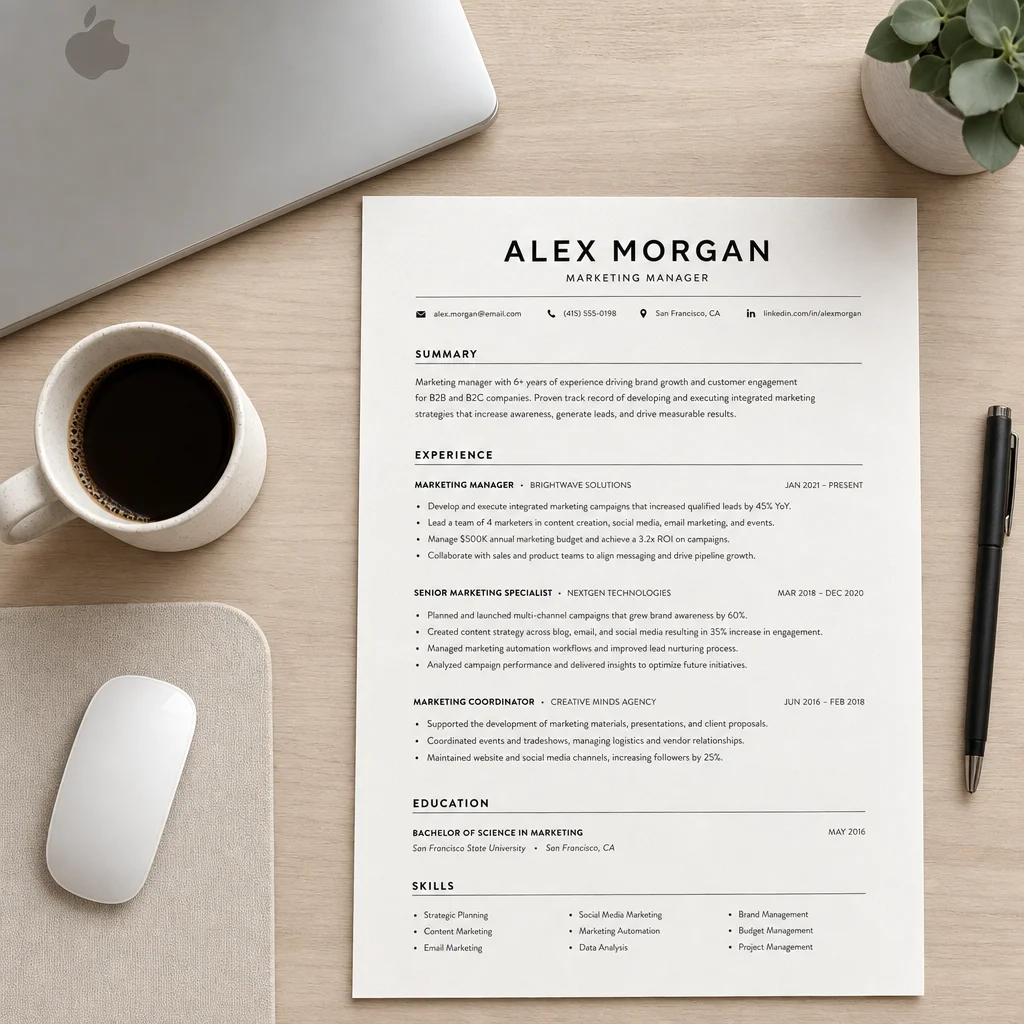
Decision Matrix: Which Format Should You Use?
Match your situation to a format with the guide below.
| Your Situation | Recommended Format | Why |
|---|---|---|
| Steady career progression, same industry | Chronological | Shows clear advancement over time |
| Career change with transferable skills | Hybrid (or Functional if no relevant work history) | Leads with skills, minimizes unrelated experience |
| Employment gap of 6+ months | Hybrid | Skills section fills the gap, work history still visible |
| Freelancer/contractor with many short gigs | Functional (or Hybrid if ATS is a concern) | Groups projects by skill, not timeline |
| Senior/executive role | Chronological | Career narrative is your strongest asset |
| Recent graduate with internships | Hybrid | Skills section adds depth to limited experience |
| Applying to large companies with ATS | Chronological or Hybrid | Both are ATS-safe; functional is risky |
| Applying to small companies or startups | Any format, but Hybrid is still safest | Less formal screening, more human review |
For most people, I’d start with the hybrid format. It’s the safest pick for 80% of job seekers, according to multiple sources. Source: StylingCV
Formatting Best Practices for 2026
Choosing the format isn’t the whole battle. These practices apply in 2026 too:
Length
- One page is preferred for early-to-mid career
- Two pages is acceptable for senior roles (10+ years of experience)
- Never go over two pages
Sections to include (in order):
- Header (name, email, phone, LinkedIn)
- Professional Summary (2-3 sentences)
- Skills/Key Achievements (for hybrid or functional formats)
- Work Experience (reverse-chronological)
- Education
- Certifications (if relevant)
Keywords
Pull the job description apart. Look for 5-7 terms like skills, tools, or certifications. Then work them into your summary and bullet points naturally. Source: Merit America - resume tips 2026
Design
- Keep it clean, simple, professional
- Stick to black, white, and one accent color (navy blue works)
- No photos, graphics, or decorative elements
- Stay consistent: same font, bullet style, date format throughout
Common Mistakes to Avoid
Here’s what tends to trip people up.
1. Two-column layouts. They look nice on paper but fail in ATS. LinkedIn recruiter survey confirms go single-column instead.
2. Graphics, icons, or photos. ATS readers can’t parse them. Your resume becomes unreadable.
3. Tables for formatting. Same problem. ATS software reads tables in unpredictable ways.
4. PDF-only submissions. Some ATS systems prefer .docx. Check the job instructions first.
5. Inconsistent formatting. Different font sizes, bullet styles, or date formats can signal carelessness.
6. Generic objective statements. “Seeking a challenging position where I can utilize my skills…” That tells recruiters nothing.
Source: Elite Resumes - ATS formatting do’s and don’ts
Your Resume Format Checklist for 2026
Before you submit, run through this checklist:
- I’ve chosen the right format for my situation (Hybrid for most people)
- My resume is single-column layout
- I’m using standard fonts (Arial, Calibri, Times New Roman)
- No graphics, icons, photos, or tables
- Work experience is in reverse-chronological order
- Skills section is keyword-optimized for the target role
- Consistent formatting throughout
- File format matches job posting instructions (.docx or PDF)
Your next step: Pick one job you want to apply for. Write your resume in the format that best fits your situation, then open the job description and adjust your keywords.
The format you pick won’t land you the job on its own, but it can get your resume past that first screening.

Yuvraj Bajwa
Editorial AuthorFounder, WorkHunt
Yuvraj Bajwa is the founder of WorkHunt, an AI job-search workspace built as part of Coffee Drop Studio. He writes and reviews the resume, cover letter, interview, and application-tracking guidance on this site, drawing on the day-to-day work of building the tailoring, fit analysis, and ATS tools the articles describe.
- Founder
- Product lead