How to Tailor Your Resume for ATS: 5-Step Guide
Tailor your resume for ATS and land more interviews. Follow this 5-step guide on keywords, formatting, and match rates for an ATS-proof resume in 2026.
By Yuvraj Bajwa, Founder, Resumae
August 10, 2026 · 9 min read
Resumae articles are written to help job seekers make better application decisions and are reviewed against our editorial policy.
Published: January 15, 2025 · Last updated: January 15, 2026
No callbacks. No emails. Not a single response after 50 applications sent out into the void.
That silence doesn’t mean you’re unqualified. The robots never passed your resume through.
Up to 75% of resumes never reach human eyes, they’re screened out by ATS software first, according to a 2024 Jobseeker analysis ([Jobseeker]). https://www.jobseeker.com/en/resume/articles/resume-keywords)). That software filters you out before the interview stage. If you’re blasting the same generic resume to every listing, you’re making the biggest mistake in modern job hunting.
Tailor each application. That’s the fix.
Time commitment is smaller than you imagine. And it separates silence from callbacks.
Why you can trust this guide: Every claim in these recommendations comes from public career sources, university career services, government workforce sites, established job-search publications, and each one has a link for verification.
How ATS Actually Works
Understand the system before you beat it.
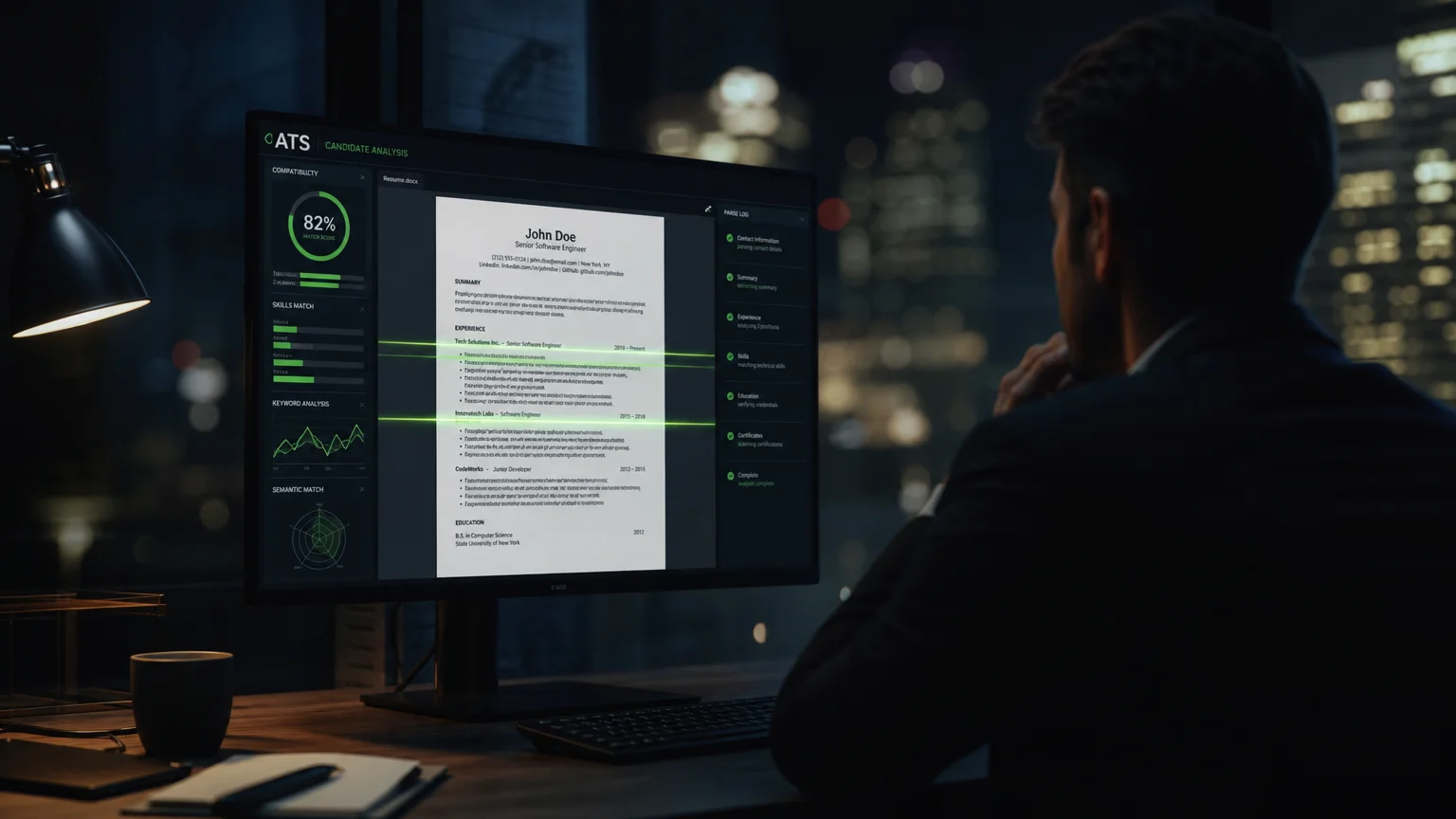
Applicant Tracking Systems do three things:
- Parse your resume. Text gets extracted into a structured format: name, contact info, work history, skills, all pulled apart and categorized.
- Match keywords. Your resume gets scored against the job description for keyword and phrase matches.
- Rank candidates. Higher match scores climb the list. Everyone else gets filtered out.
The critical part: ATS software is configured around the exact language in the job description ([Indeed]). https://www.indeed.com/career-advice/resumes-cover-letters/automated-screening-resume)). That posting becomes its literal checklist.
If the job description says “project management”, your resume needs “project management”, not “oversaw initiatives”. The software doesn’t care about synonyms. It needs exact matches.
From impressing only the hiring team, you now have to satisfy a machine. Recruiters search ATS databases with the same keywords (University of Pennsylvania Career Services). Without those keywords, your resume disappears. It’s that simple.
Step 1: Mine the Job Description
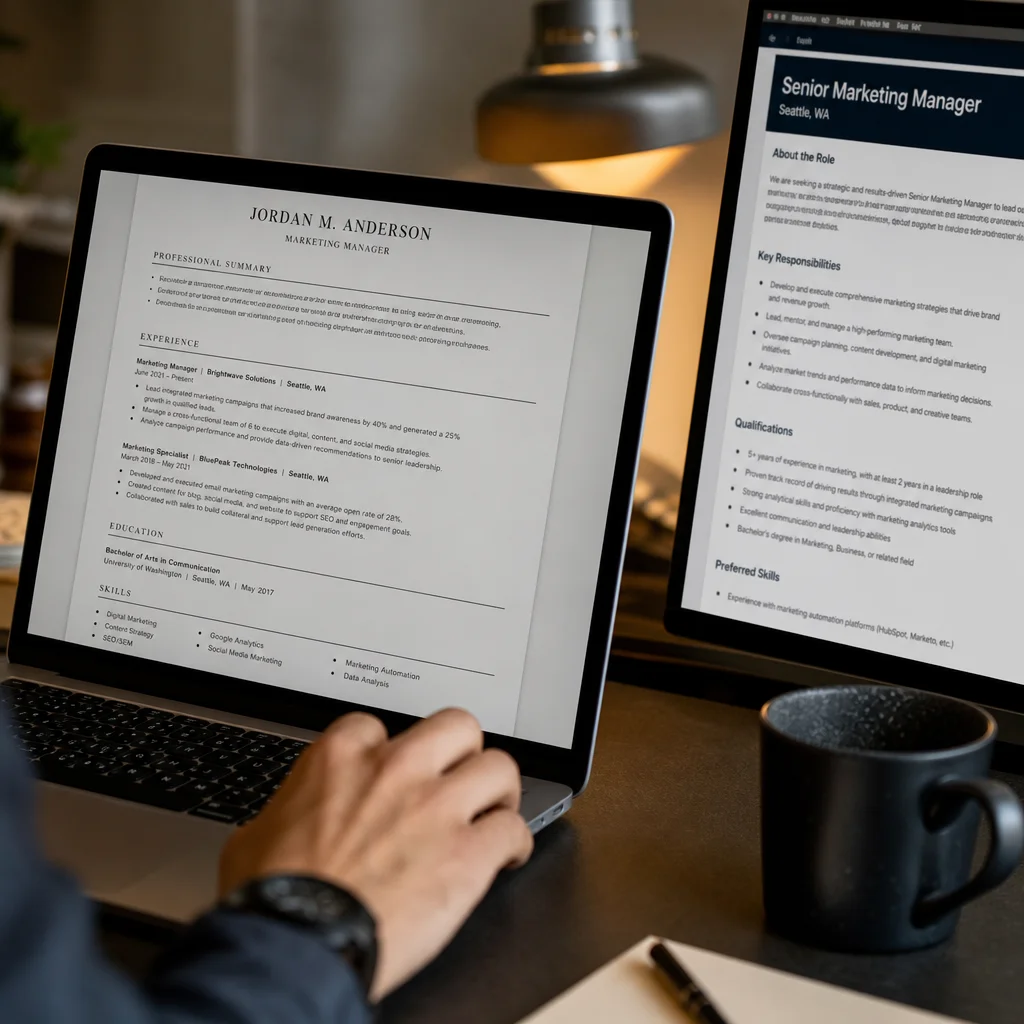
Before you write anything, the tailoring process begins. Read the job posting like a detective. Find patterns, repeated words and phrases.
These four keyword types need extracting:
| Keyword Type | What to Look For | Example |
|---|---|---|
| Hard skills | Specific technical abilities | Python, Excel, Salesforce, SEO |
| Soft skills | Interpersonal attributes | Leadership, communication, problem-solving |
| Exact titles | Job titles and role names | ”Project Manager,” “Data Analyst” |
| Certifications | Required credentials | PMP, CPA, Google Analytics |
Skimming won’t cut it. Actually make a list. Three or more appearances in the posting makes a keyword critical.
Pro tip: Look at the “requirements” separately from “preferred qualifications.” Those required keywords are non-negotiable. If you have them, include them.
For a deeper role-specific library, check our resume keyword guide.
Step 2: Mirror the Job Description’s Language
This is where most people slip up. You might want to show off your vocabulary. Don’t. Sophisticated synonyms mean nothing to the ATS. What matters is literal matches.
The posting says “managed a team of engineers”, so your resume says “managed a team of engineers”, not “oversaw technical personnel”.
You follow the job description’s exact wording as a script (Indeed). Use it.
This goes beyond skills. Watch out for:
- Verb tense. Current roles get present tense. Past roles get past tense. Match the posting’s tone.
- Industry-specific phrases. Every field has its own lingo. Use theirs.
- Certifications and credentials. List them exactly as written in the posting.
Pro tip: Build a “master resume” that catalogs every skill you possess. Then, for each application, pull the relevant keywords from the job description and drop them into your customized version. It takes 10 minutes per application, and it dramatically boosts your odds of clearing the ATS.
Step 3: Place Your Keywords Strategically
So you’ve got the keywords, where exactly do they land? Not everywhere. Strategically.
Your resume has three prime locations:
1. The Resume Summary
Your summary is the best real estate on the page. It’s the first thing a recruiter sees after your name. Drop your first and most important keyword in here.
“Data-driven Marketing Manager with 7 years of experience in SEO, content strategy, and paid acquisition. Consistently grew organic traffic by 40%+ year over year.”
Need more summary formulas? Check out how to write a resume summary.
2. The Skills Section
This is the first place the ATS scans. List your keywords as individual skills, and don’t bury them in paragraphs.
Skills: SEO, Google Analytics, Content Strategy, SEM, A/B Testing, Conversion Rate Optimization, WordPress, HTML/CSS
3. Work Experience Bullet Points
This is your chance to prove those keywords. Each bullet should open with a keyword from the job description and show real results.
- Led SEO strategy for corporate blog, growing organic traffic by 45% in 6 months
- Managed content calendar that served 3 regional markets with 95% on-time delivery
Don’t force it. Everything should feel natural, not stuffed. If a keyword doesn’t fit you, skip it, otherwise you’ll lack evidence in the interview.
Example: one application, two resumes
Picture this: a job posting for an “IT Project Manager” that lists “stakeholder management”, “budget tracking”, and “Agile/Scrum” as required skills.
Generic bullet: “Oversaw cross-functional initiatives and kept projects on time.”
Tailored bullet: “Managed IT project budgets of $500K+ and led Agile/Scrum ceremonies for 12-person cross-functional teams while aligning stakeholder expectations across three business units.”
Both bullets are true. Only the second uses the posting’s exact language, and that’s the one the ATS will rank higher.
Step 4: Format for the Robots
Right keywords? Good. But if your formatting breaks the parser, that means nothing. ATS software wasn’t built for complex layouts. It wants clean, simple text. The more elaborate your design, the more likely your information gets scrambled or lost. Here’s what works (U.S. Social Security Administration):
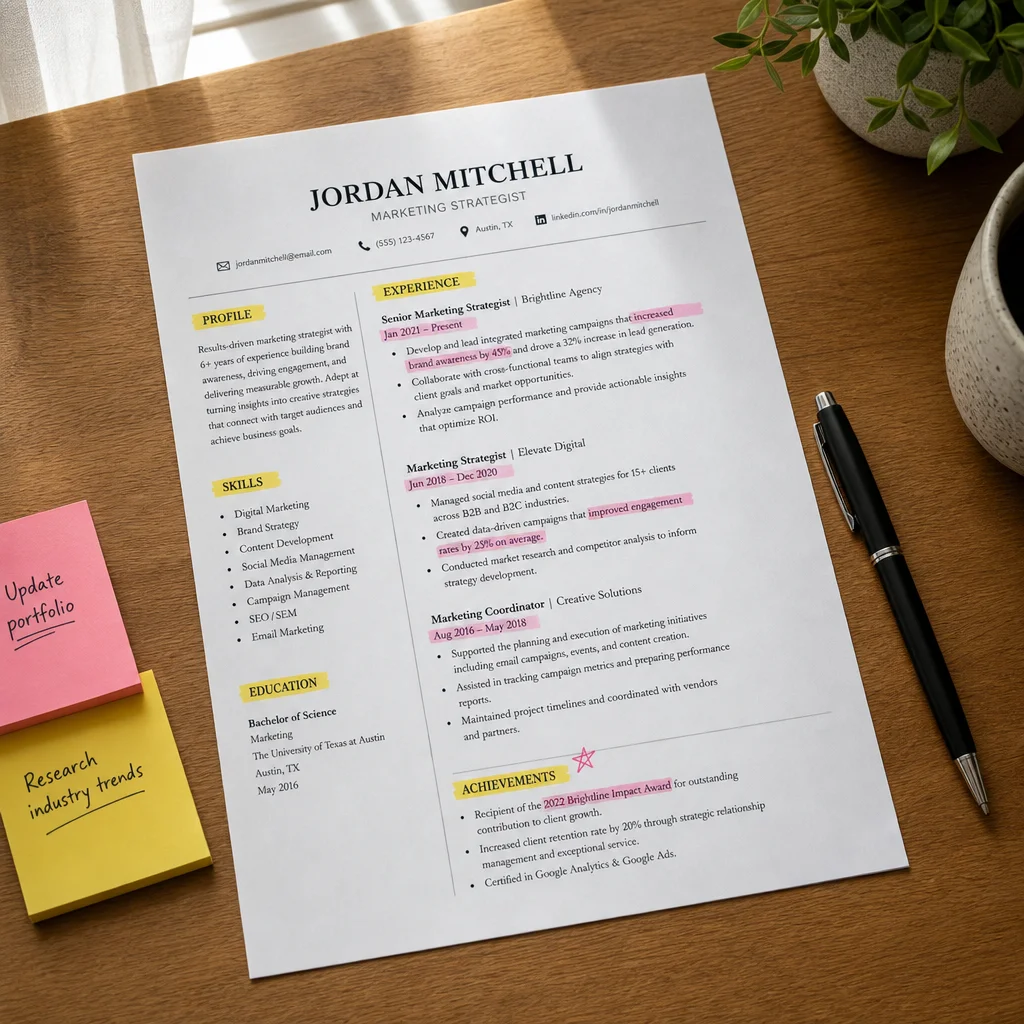
An ATS-friendly resume uses a single column, standard headings (Experience, Education, Skills), and simple fonts like Arial, Calibri, or Times New Roman. It comes as a text-based PDF or Word (.docx) file, follows a logical order with standard date formats like (e.g., “Jan 2023”), and avoids unusual abbreviations. Unfriendly choices include multi-column layouts, creative headings such as My Journey or My Superpowers, decorative fonts, PDFs with embedded images, and text boxes, tables, or columns.
The #1 killer? Fancy templates from Canva or graphic-heavy design sites. They look beautiful to humans. To robots, they’re invisible.
Pro tip: Stick with reverse-chronological format. That’s the default most major ATS systems are optimized to parse (ResumeOptimizerPro). List your most recent job first, then work backward. It’s the safest choice. If your current layout leans more toward creative than functional, rebuild it with our complete ATS-friendly resume formatting guide.
Step 5: Aim for a 60-80% Keyword Match Rate
Heard the advice before. But what does “good enough” actually look like? Target a 60-80% keyword match rate with the job description (CV Debug). For a posting that lists 15-20 required skills, your resume should contain at least 12-16 of them.
Here’s the math: you don’t need a perfect 100%. Just beat the other candidates.
But don’t stuff. Cramming every keyword from the posting into a single paragraph reads as spam to both the ATS and human recruiters ([Jobscan] https://www.jobscan.co/blog/top-resume-keywords-boost-resume/)).). That tactic hurts you in the long run and is a "black hat" move.
The goal is natural integration, using the words in the context of real accomplishments. If you’re adding a skill you’ve never used, stop. The ATS might pass you, but the human interview will expose you immediately.
Pro tip: Count the keywords in the job description, then count how many appear in your resume. Use a simple word counter or free ATS-checking tools. You’re looking for at least 60%.
Common Mistakes That Get Your Resume Rejected
Your resume is tailored, formatted properly, yet still getting crickets.
You’ve tailored your resume and formatted it properly, but you’re still getting crickets. Check for these hidden landmines:
1. Graphics and icons. That little graph showing your "communication skills level"? The ATS sees nothing, your rating is invisible.
2. Headers and footers. Contact information in the footer won’t be parsed by many ATS systems. Keep it in the body of the document.
3. Tables and columns. They may look organized, but parsers read left-to-right, top-to-bottom. A two-column layout can scramble your entire work history into nonsensical order.
4. Unnecessary abbreviations. Even if you write "PM" in your industry every day, spell out "Project Manager" at least once in your resume. The ATS is looking for the full term.
5. Not tailoring your resume per application. The biggest one. Sending the same resume to 50 jobs means you’re relying on luck. Tailoring is the skill that gets you interviews ([LinkedIn] (https://www.linkedin.com/pulse/crafting-ats-friendly-resume-2024-professionalconnects-in-ebz4f)).
For a full walkthrough of the other traps, see our [common resume mistakes guide](/blogs/resume-mistakes-to-avoid/).
How to Verify Your Resume is ATS-Friendly
Before you hit send, test your work.
Method 1: The Plain Text Check
First, paste your resume into a plain text editor such as Notepad. If it shows up garbled or with strange formatting, an ATS will handle it the same way, poorly. Fix those issues before moving forward.
Method 2: Test by Submitting to a Business
Many companies let you upload a resume without completing the full application. Use that as a test run. See what gets parsed into their system afterward. You’ll spot formatting problems in real time.
Method 3: Use a Free Checking Tool
Plenty of free tools score your resume against a specific job description. Take one of your tailored resumes and run it through a checker. The score reveals what’s hurting you, whether it’s missing keywords, bad formatting, or both.
Pro tip: Whenever possible, save your tailored resume as a PDF using “Save As” instead of “Print to PDF”. Print-to-PDF itself isn’t the real risk, it’s an image-only PDF. If the file holds no selectable text, the ATS simply can’t read it. After exporting, open the PDF and press Ctrl+F (or Cmd+F on a Mac) to search for one of your target keywords. If you get no results, the file is image-based, so re-export using Word’s “Save As PDF” or Google Docs’ “File > Download > PDF” to protect the text layer.
Tailoring is a Repeatable Habit
You don’t have to start over every time.
Create a master resume listing all your accomplishments. Then, for each job application, spend 10 minutes tailoring it:
- Copy the job description into your notes.
- Highlight every keyword you match.
- Add those keywords to your summary, skills, and bullet points.
- Check your match rate (target is 60%+).
- Submit and move on.
Make it a routine. The more you repeat this, the faster you’ll become.
Key Takeaways
-
Tailor every resume. Sending the same one everywhere means failing automated screening. Customizing is the single most important factor for passing (UPenn Career Services).
-
Mirror the job description’s language. Use their exact words, no synonyms. The ATS is set up around the vocabulary in the posting (Indeed).).
-
Keep it simple. Standard headings, a single column, simple fonts. Using fancy templates confuses parsers, and that can get you rejected before a human even looks at your application (Forbes).
-
Shoot for a 60-80% keyword match. Don’t stuff your resume with fake skills. Just beat the other candidates (CV Debug).).
None of this is fair. The system was never meant to size up your real potential. It was built to filter candidates fast and on the cheap.
Here’s the trick, though. Once you see how it works, you can make it work for you.
Those are the rules. And now you know the game.
So start writing an ATS-friendly resume. Get it past the robots and into a real recruiter’s hands.
Which ATS formatting issue has tripped you up most? Drop a comment below. We read every single one.

About the author
Yuvraj Bajwa
Founder, Resumae
Yuvraj Bajwa is the founder of Resumae, an AI job-search workspace built as part of Coffee Drop Studio. He writes and reviews the resume, cover letter, interview, and application-tracking guidance on this site, drawing on the day-to-day work of building the tailoring, fit analysis, and ATS tools the articles describe.
- Founder
- Product lead
Related reading
Does Tailoring Your Resume Really Matter for ATS?
Learn the truth about ATS resume screening, why tailoring genuinely improves your chances, and how to customize efficiently without rewriting from scratch.
Sent 50 Resumes & Got Zero Callbacks: What Am I Doing Wrong?
Zero callbacks after 50 applications is fixable. See the real reasons your resume is being ignored and fix your next 50 applications.
Resume Builder vs Tailoring Tool: Do You Need Both?
Need a resume builder or tailoring tool in 2026? See what each does, why ATS match matters, and the workflow that gets your resume read faster.
Next step
Ready to build a resume that gets noticed?
Paste a job description and let AI tailor your resume - free plan, no credit card required.