Best Resume Tools for Australians in 2026
Best resume tools for Australians in 2026: compare free templates, paid AI builders, and writing services, plus which to skip and why for local hiring.
By Yuvraj Bajwa, Founder, Resumae
August 10, 2026 · 11 min read
Resumae articles are written to help job seekers make better application decisions and are reviewed against our editorial policy.
Published: 12 January 2026 · Updated: 12 January 2026
Your resume stands out. But not because you’re exceptional, you’re Australian.
Most resume advice floating around online comes from the US or UK. It pushes one page. Add a photo. Use a fancy two-column layout.
None of that works here. Below is what actually gets results in Australia, and the tools that can build it.
Quick answer: The best free resume tools for Australians are SEEK’s templates and Canva used with an ATS-safe single-column design. For paid help, Rezi and Resume.io offer strong ATS-friendly output. For senior or career-change roles, a professional Australian resume writer is worth the investment.
Top picks at a glance:
- SEEK resume templates — the best free option: tailored to Australia, ATS-friendly, and built for the country’s biggest job board. The downside is limited customisation.
- Canva — the best free design tool, provided you pick a single-column template, standard fonts, and test the export.
- Rezi — the best paid AI builder for ATS output. It generates content suggestions and exports clean, single-column documents.
- Resume.io — the best paid option for polished, ATS-friendly templates without much of a learning curve.
- Professional writing service — best for senior, executive, or career-change resumes, where presentation matters most.
Why trust this guide?
This guide is written for Australian job seekers. It draws on current guidance from SEEK, Michael Page, Robert Half, and Australian career publications. It targets what Australian recruiters and ATS software actually look for, not generic international resume advice. The selection process assessed every option against the same criteria: A4 format, single-column ATS-friendly output, Australian spelling, SEEK expectations, and clear value at the price.
What Makes an Australian Resume Different?
Before jumping into the tools, get the fundamentals sorted. An Australian resume isn’t interchangeable with an American one, and starting from a US template puts you at a disadvantage.
Here’s what The Australian standard looks like:
- 2-3 pages, not 1 — employers here expect more depth
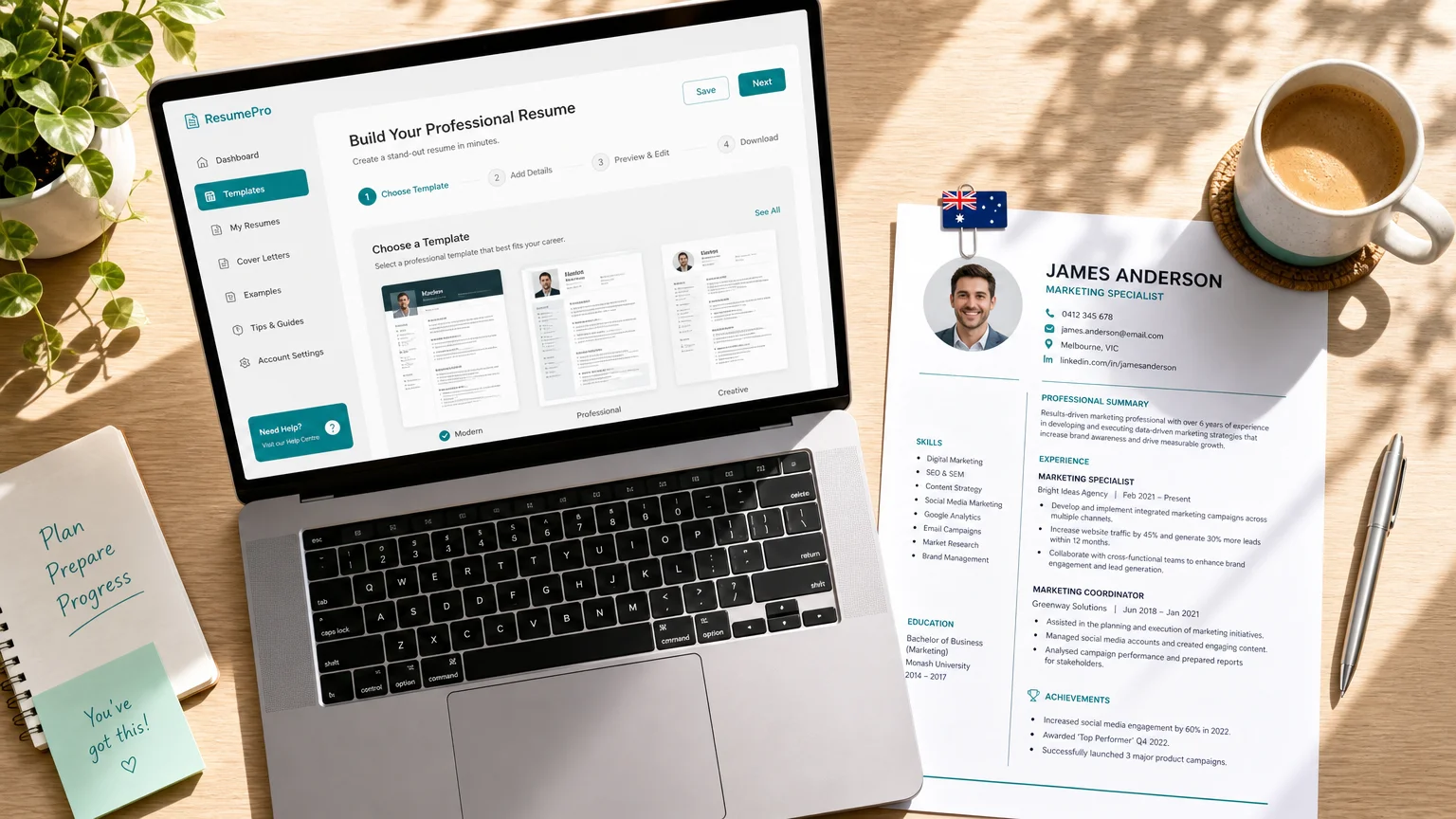
- No photo — unless the role is acting or modelling
- Australian spelling — use ‘organise’ rather than ‘organize’; write ‘labour’ instead of ‘labor’
- Work rights statement — critical if you’re on a visa
- Key selection criteria — mandatory for most government and public sector jobs
These aren’t nice-to-haves. They’re the floor you’re expected to meet. Australian resumes typically run 2-3 pages and skip photos entirely, which is a significant departure from US one-page norms. The format also expects Australian spelling and often requires addressing key selection criteria.
Don’t get hung up on the term itself. on Australian job boards like SEEK, ‘CV’ and ‘resume’ are used interchangeably. What matters more than the label is whether your document aligns with local expectations.
Free Resume Builders and Templates That Work in Australia
A solid resume doesn’t have to cost anything. Several career sites and recruiters have released strong free options.
Michael Page — one of Australia’s major recruitment firms — has curated a list of 10 resume builders and template tools they recommend to candidates. Recruiters are seeing these tools succeed in the market.
Free options that genuinely work:
- SEEK’s resume templates — free, built for the Australian market and designed for their own job board. Catch: limited customisation.
- Canva — user-friendly, professional templates. Catch: lots use multi-column layouts, so verify ATS compatibility.
- Google Docs templates — simple, free, and mobile-friendly. Catch: lean designs with US-focused defaults.
- Microsoft Word templates — universal and familiar. Catch: older ones rely on tables and text boxes.
The real downside to free tools is formatting. ATS systems often fail to parse multi-column layouts, tables, and text boxes. A gorgeous Canva template full of sidebars and icons may impress people, yet an ATS can mangle it during parsing.
The rule: Using a visual tool like Canva? Pick a clean single-column template. Save as PDF, then run a test: copy its text into a plain text file. If names, dates, and sections come out scrambled, the ATS will choke on it too.
Paid and AI Resume Builders, Worth It or Overhyped?
Paid tools make big promises. A few actually keep them. Here’s how to tell useful from overpriced.
Which paid tools are worth a look:
- Rezi — built around ATS compatibility and powered by AI. It generates content from your job history and pumps out clean single-column docs. From about $29/month, less on longer plans (free tier exists). For Australia: double-check Australian spelling and A4 export before you send.
- Resume.io — polished templates tested against ATS, with a straightforward interface. A good fit if you want design quality without wrestling formatting. Around $15–$20/month. Australian watch-out: review the spelling settings, but A4 and single-column output are solid.
- Kickresume — an easy builder with strong templates and an ATS check built in. Around $14–$18/month. Swap any US spellings before it goes out to an Australian employer.
- Resume Worded — not a traditional builder; it uses AI to score your existing resume and suggest improvements. Useful for mid-career people who need stronger achievement bullets. Free tier available, paid from roughly $20/month.
- Zety — popular and easy to use. But watch the subscription terms, the headline price is often a promotional teaser. Around $20/month at sign-up, higher on renewal. For Australia: thinner localisation than Australian-first tools.
- Canva Pro — worth it only if you already know how to use it safely for ATS: single-column template, standard fonts, PDF export. Around $15/month.
- MyPerfectResume — leans US: one-page defaults and American spelling. Not ideal for Australian roles unless you adapt everything manually. Skip it for Australian applications.
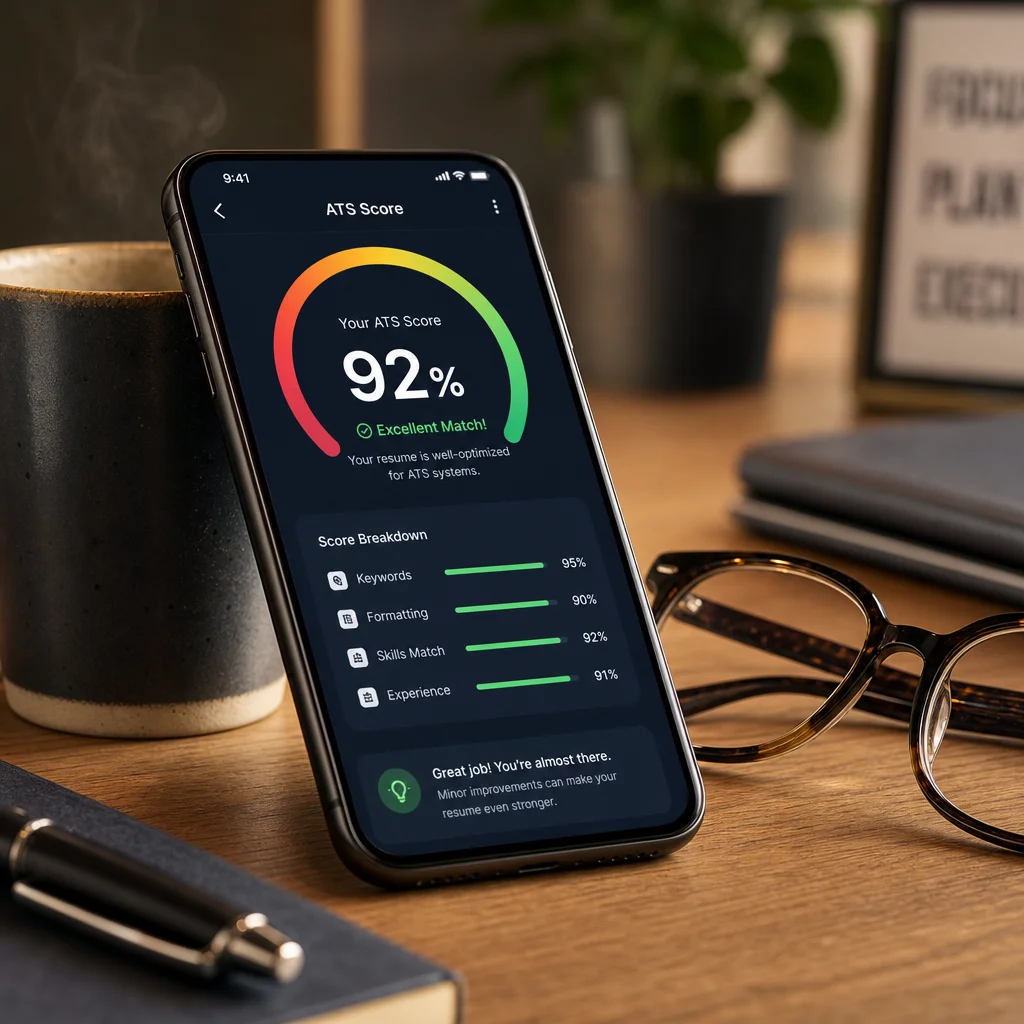
Where paid builders shine:
- Pull content ideas straight from your work history.
- Auto-format everything to meet ATS standards.
- Catch Offer Australian-specific errors in spelling and templates.
- Tune the tone to match different seniority levels.
What to check before paying:
-
Australian spelling and A4 format — most tools default to US English. That can hand you ‘resume’ with American spellings and letter-sized pages instead of what you need.
-
Single-column output — make sure your resume exports as clean, single-column text.
-
ATS testing — the reputable builders test how exports perform against actual ATS systems.
-
Cancellation terms — subscription traps are everywhere. Screenshot those terms before you enter payment details.
The honest advice: A good free template is fine if you’re graduating or working with a simple history. But mid-career professionals with complex achievements to quantify will find a paid builder saves hours. Prices shift often, so check current pricing before subscribing.
When Professional Resume Writing Services Are Worth the Money
The priciest option, also the most variable. You’ll see prices from $100 all the way up to $1,000. Quality runs from excellent straight to ‘why did I pay for this?’.
The best professional resume writing services in Australia emphasise ATS strategy, measurable achievements, and tailoring to specific roles won’t just reformat what you’ve already written. They rework the whole thing to sell your impact.

Professional services are worth it when:
- You’ve stayed in the same job 5+ years and your resume reads like a duties list
- You’re jumping industries or pivoting from corporate to government (or the other way around)
- Executive or senior leadership roles are your target, where first impressions count double
- Your field is crowded, tech, finance, consulting
- Your English isn’t your first language, and you need polished professional phrasing
Professional services are NOT worth it when:
- You’re a fresh graduate with a lean work history, clean tailoring works fine
- You think the service alone will land you a job (it won’t; it’s only the resume)
- You skip the meeting where the writer could discuss what you’ve actually done
How to choose a service:
- Look for Australian accreditation — [the Australian Association of Resume Writers (AARW) and Career Industry Council of Australia (CICA) provide relevant professional guidelines] (https://www.findmyprofession.com/career-advice/resume-services-australia/)). If you ask about their ATS strategy and they cannot identify what ATS means, 2. Always request a sample or a preview of their work 3. A generic writer unfamiliar with your sector will serve you poorly, so check their industry specialisation 4. Finally, demand a written brief of what you will receive, including how many revisions are included 5.
Watch for one red flag: [Any service that overstates interview-conversion rates is using marketing, not evidence] (https://www.hrfuture.net/employee-lifecycle/best-resume-writing-services-in-australia-2026-ranked-by-what-actually-gets-interviews/). No legitimate professional can guarantee interviews. Anyone who does is selling a dream.
The ATS Formatting Rules Every Tool Must Support
This part trips up most generic resume tools. Australian ATS systems come with specific requirements; ignore them and your resume ends up in a digital graveyard.
ATS-friendly resumes in Australia demand a single-column layout, headings like Summary and Experience, and standard fonts such as Calibri or Arial at 11pt on A4 paper (https://www.tursa.com.au/articles/beat-ai-resume-screening/). [Robert Half, a global recruitment agency, reinforces this — no tables, no text boxes, no creative layouts]) https://www.roberthalf.com/au/en/insights/landing-job/how-to-write-an-ats-friendly-resume).
[SEEK’s official guidance aligns: use standard fonts, keep formatting simple, and tailor your resume to each role] (https://au.seek.com/career-advice/article/tips-for-creating-an-ats-friendly-resume).**).
Here is what your tool must meet:
- Single-column layout — multi-column layouts break ATS parsing. Tool support: look for an ‘ATS-friendly’ or ‘single-column’ option.
- Standard headings — ATS scans for ‘Experience’,‘Education’, and ‘Skills’. Review the template headings before you commit.
- Standard fonts (Calibri, Arial, 11pt) — unusual fonts may not render. Check the font settings.
- No tables or text boxes — these cause extraction failures, so test the export.
- A4 page size — US letter clashes with Australian defaults. Check export settings.
- Australian spelling — recruiters spot American spelling immediately. Check language settings.
![A document-camera comparison of two resumes: one with broken text extraction highlighted in red and one clean with a green checkmark, with a laptop showing an ATS scan in the background] (/images/blog/the-best-resume-tools-for-australians-in-2026-and-which-ones-to-skip-inline-3.webp)
The easiest ATS test: Export your resume as PDF, then copy everything from it into a plain text editor. If the content reads in the same order as your actual resume, name, contact, summary, experience, you’re good. If it’s scrambled, your tool is failing you.
Tailoring Your Resume for SEEK and Australian Job Boards
Tools can build your resume, but they can’t tailor it for you. That’s still your job. [SEEK explicitly expects candidates to tailor their resume to each role rather than sending the same document everywhere] needs your attention.
Generic applications get spotted instantly and ignored. https://au.seek.com/career-advice/article/tips-for-creating-an-ats-friendly-resume).
The tailoring workflow:
1. Identify key terms from the ad. If they use 'stakeholder engagement' in their listing, use those exact words in your resume. 2. Then reorder your skills section to mirror what the ad prioritises. 3. Rewrite your summary for each application — 2 minutes per application. 4. Check the selection criteria. [government and public sector roles require addressing these directly] (https://atsverification.com/blog/australian-resume-format-2026/).
Work rights matter too. If you’re a permanent resident or citizen, say so. If you’re on a visa, state your conditions clearly in your application. Hiring managers appreciate the clarity.
Red Flags: Tools That Ignore Australian Conventions
These red flags cost interviews. Watch for them when picking a tool.
- US-centric templates — photo boxes, one-page defaults, American spelling, letter-size pages
- Multi-column layouts — look modern but break ATS parsing
- Fancy fonts and graphics — recruiters and ATS both prefer clean, standard fonts
[Inflated success claims](https://www.hrfuture.net/employee-lifecycle/best-resume-writing-services-in-australia-2026-ranked-by-what-actually-gets-interviews/)—'Guaranteed interviews!'is marketing, not reality- No ATS support or knowledge — if the tool doesn’t mention ATS at all, it’s not built for the Australian market
The worst offender: tools that automatically add a photo section. Photos aren’t expected by Australian recruiters, and some hiring managers see them as an unconscious bias risk.
How to Choose the Right Tool for Your Situation
No single 'best' resume tool works for all Australians. What’s right depends on your budget, career stage, and how much time you have.
Your Situation | Best Option | Budget |
|---|---|---|
| Student/graduate | Free SEEK template or Google Docs | $0 |
| Early career (1-5 years) | Free template plus AI builder trial | $0-$50 |
| Mid-career (5-10 years) | Paid AI builder or professional service | $50-$300 |
| Senior/executive | Professional writing service | $300-$1,000 or more |
| Career change | Specialised professional service | $200-$400 |
| Tight deadline | Paid builder with fast export | $30-$80 |
Two more considerations:
Time. A free template tailored to the role works if you’ve got 2 hours spare. On the other hand, professional help may be worth the money when you have 2 weeks and want the job done properly.
Industry. Visual layouts are tolerated, sometimes welcomed, in creative roles. In corporate, government, law, and finance, conservative formatting is expected. Government applications likely need key selection criteria addressed separately.
Bottom Line
No document you own will work harder during your job search than your resume. Global tools generic enough for any market won’t meet the specific expectations Australian employers hold.
Here’s how to decide:
Free tools work for you if you choose ATS-compatible templates and tailor every single application, that’s decision 1. Paid builders are worth it when you need formatting done fast or suggestions for content, 2. And professional services earn their cost when you’re senior, switching careers, or facing a total resume mess, 3.
No matter what you pick, run the final product through an ATS checker. Confirm the spelling is Australian. Make sure it’s A4. No photo. Read it through twice.
The tool doesn’t land you the job, the actual content does. What the right tool does is help you present that content in the exact format Australian recruiters want to see.
Start with a free one. Tailor every version. Test the output. If you’re stuck after all, a professional might be the quickest way out of that spot.
Your next interview starts with getting this step right.
Pass this guide along to another job seeker in Australia if it helped you. One good resume tool can save them weeks of applications that go nowhere.

About the author
Yuvraj Bajwa
Founder, Resumae
Yuvraj Bajwa is the founder of Resumae, an AI job-search workspace built as part of Coffee Drop Studio. He writes and reviews the resume, cover letter, interview, and application-tracking guidance on this site, drawing on the day-to-day work of building the tailoring, fit analysis, and ATS tools the articles describe.
- Founder
- Product lead
Related reading
Does Tailoring Your Resume Really Matter for ATS?
Learn the truth about ATS resume screening, why tailoring genuinely improves your chances, and how to customize efficiently without rewriting from scratch.
Sent 50 Resumes & Got Zero Callbacks: What Am I Doing Wrong?
Zero callbacks after 50 applications is fixable. See the real reasons your resume is being ignored and fix your next 50 applications.
Graduate Resume Guide: Win Entry-Level Jobs in 2026
Evidence-based graduate resume strategies to turn limited experience into quantified, ATS-friendly wins that earn interviews.
Next step
Ready to build a resume that gets noticed?
Paste a job description and let AI tailor your resume - free plan, no credit card required.