Job Tracker Features That Actually Save Your Search 2026
Discover job tracker features that matter in 2026: follow-up automation, visual pipelines, interview tracking, and analytics to cut missed opportunities.
By Yuvraj Bajwa, Founder, Resumae
August 10, 2026 · 8 min read
Resumae articles are written to help job seekers make better application decisions and are reviewed against our editorial policy.
Last updated: August 10, 2026
Quick answer: Application status tracking, follow-up reminders, visual interview pipelines, interview scheduling management, and data insights are the features that matter most in a job application tracker. Pick one that makes logging fast, integrates with your calendar and email, and shows the next step for every application at a glance.
In this guide:
- Stop Relying on Memory
- The Core Features That Matter
- Choosing Between Trackers: What to Compare
- Integration: Don’t Add More Work
- What to Avoid in a Job Application Tracker
- Frequently Asked Questions
You’ve sent out 40 applications this month. Maybe five of them you actually remember. Then yesterday a recruiter emails asking if you’re still interested in a role you’d completely forgotten applying for.
That’s what a chaotic job search really costs. Missed follow-ups, sure. But also missed opportunities.
A job application tracker fixes this without piling more work on your plate. It just makes sure nothing slips through the cracks. Here’s what actually matters in terms of features, and how to use them to get more callbacks.
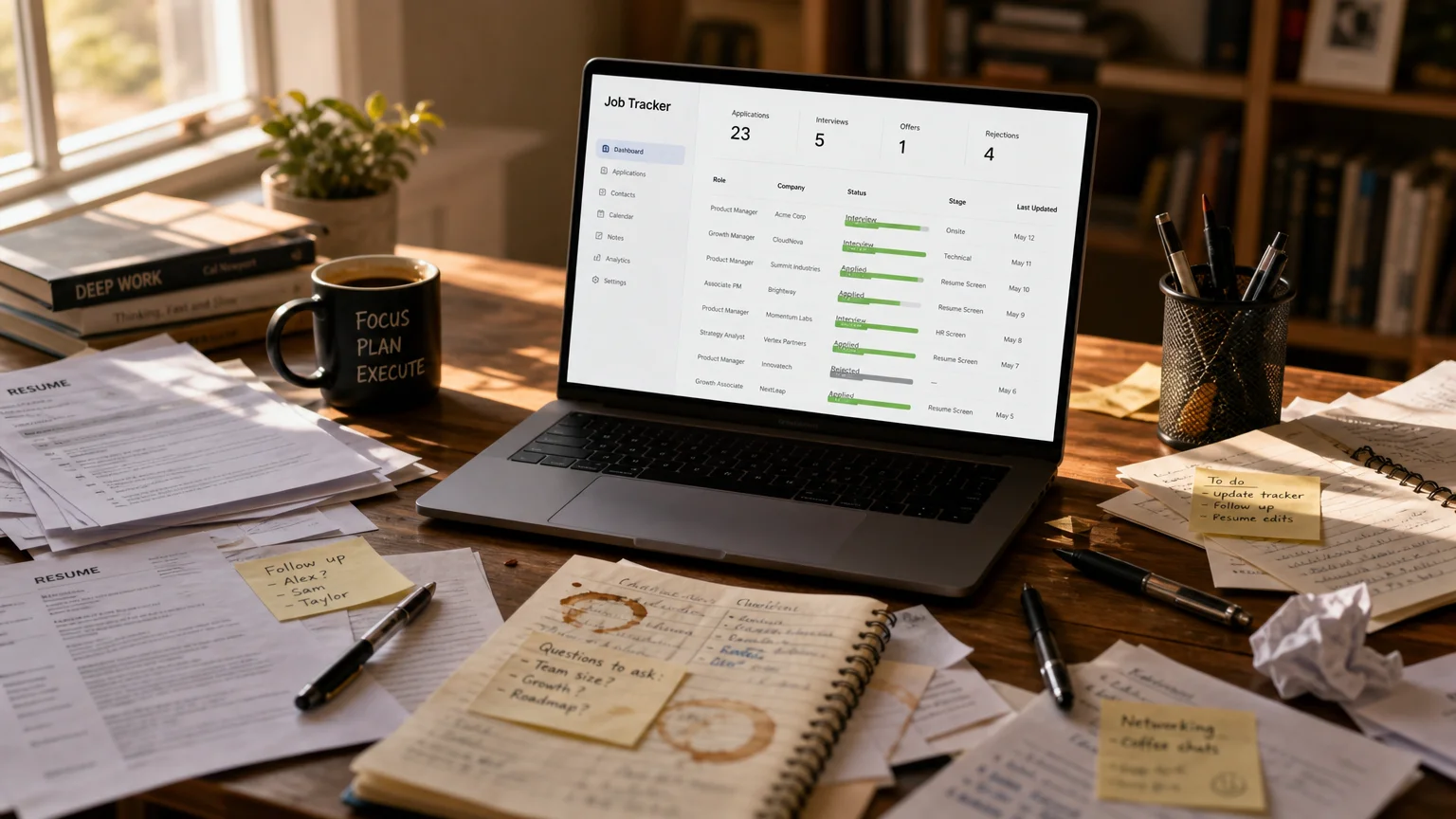
Caption: Moving from scattered sticky notes and job application printouts to one clean dashboard.
Stop Relying on Memory
Your brain was not built to track 30 application statuses. Neither was your inbox or that notes app you keep half-heartedly using.
Most trackers handle this with status pipelines and deadline reminders that cut down on missed follow-ups. So you never have to wonder “where did I apply?” or “was that interview Tuesday or Thursday?” again.
What a good tracker gives you is a single source of truth: every application, its status, and the next action item. No more digging through old email threads to check whether you sent that thank-you note.
The Core Features That Matter
Before you settle on a tracker, focus on what actually matters. Fancy dashboards and polished charts are easy to get distracted by. The real difference comes down to five core features.
1. Application Status Tracking
This one is the foundation. You log every job you apply to, then keep updating its status as you move through the process.
Good systems let you define your own stages. Maybe you work with something like “Applied,” “Screening Call,” “Interview,” “Offer,” and “Rejected”. Or your process needs finer detail, like “Recruiter Screen” versus “Hiring Manager Interview.”
The pro tip here: Set aside 15 minutes each Friday to go through your list and update everything. That weekly review surfaces the applications that need a nudge before they go cold.
How this looks in practice: Say you apply for a role on Monday. Your tracker reminds you to send a short follow-up by On Thursday. Then, By Friday, the recruiter responds and moves you to a screening call. Without that reminder, the application probably would have sat there unnoticed.
2. Deadline and Follow-Up Reminders
Following up is expected, yet most candidates never do it. That gap is where you win.
Automated reminders keep you consistent without thinking about it. The trick is timing: show up at the right moment instead of flooding inboxes. A solid reminder system makes sure you never miss the “5 days since application” check-in or the “2 days after interview” thank-you note.
The pro tip here: Program your tracker to nudge you at set intervals, three days after applying, five days after an interview, one week after your last message. Stay visible, but don’t pester.
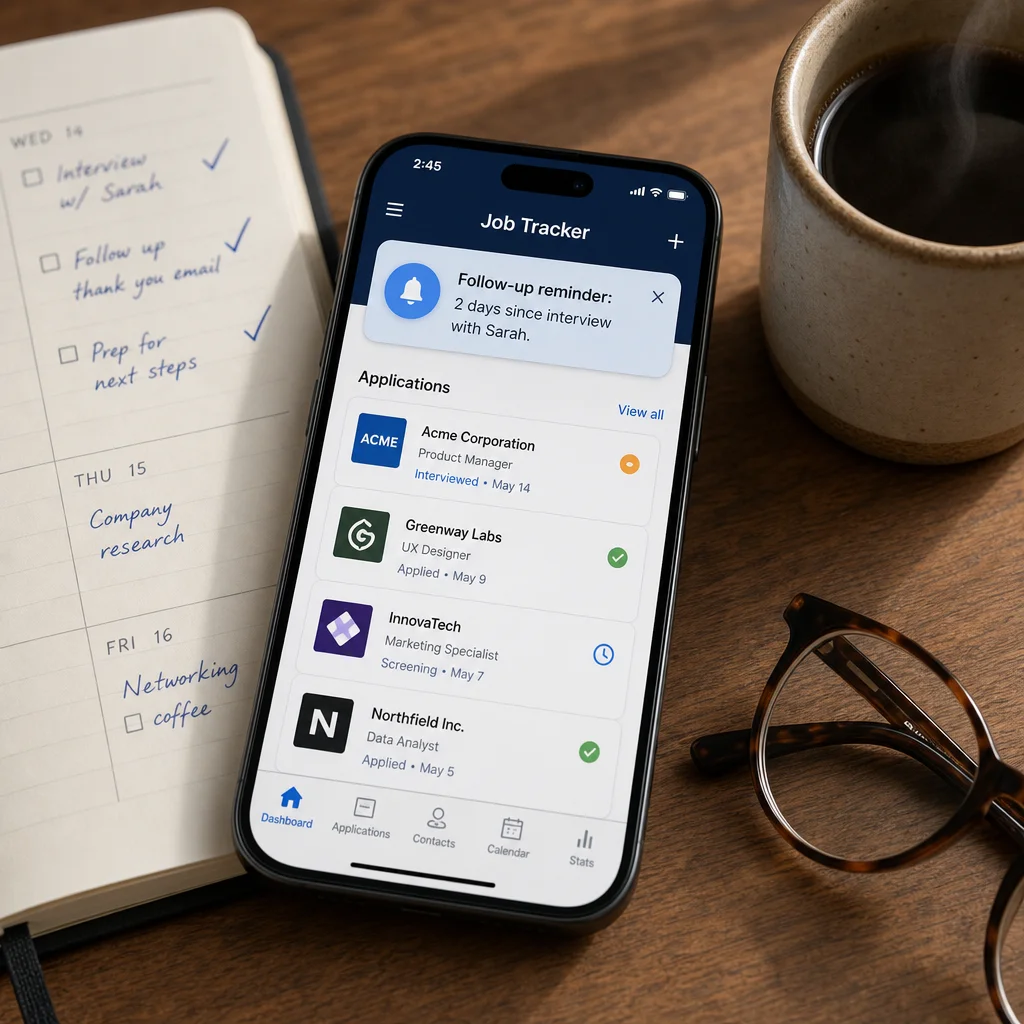
Caption: A follow-up reminder surfaces at the exact moment you need it.
3. Visual Interview Pipelines
Looking at a wall of 50 applications is overwhelming. A pipeline that shows your progress? That’s motivating.
Visual interview pipelines let you spot which applications need attention fast. At a glance, you see how many are in each stage and which ones have gone quiet.
The pro tip here: Seven applications sitting in “Applied” for over two weeks is a sign. Send a follow-up or move on. The pipeline makes that pattern obvious instead of buried.
4. Interview Scheduling Management
Once interviews start, things speed up fast. You don’t want to be the candidate who misses one because the time got written down wrong.
Good trackers sync with your calendar and let you log details right in the application record. Interviewer name? Check. Zoom link? Check. Prep notes? Check.
The pro tip here: Before each interview, open the tracker and review your notes. Two minutes, and you look prepared.
5. Data Insights and Analytics
Sounds nerdy, but it’s a game-changer. Trackers with analytics show patterns you’d never catch otherwise.
Which job boards actually get you interviews? How long does a typical response take? Which industries reply to you most?
This data helps you optimize. Zero responses from one board but strong results from another? Stop wasting time on the first. Stop guessing, start looking at your numbers.
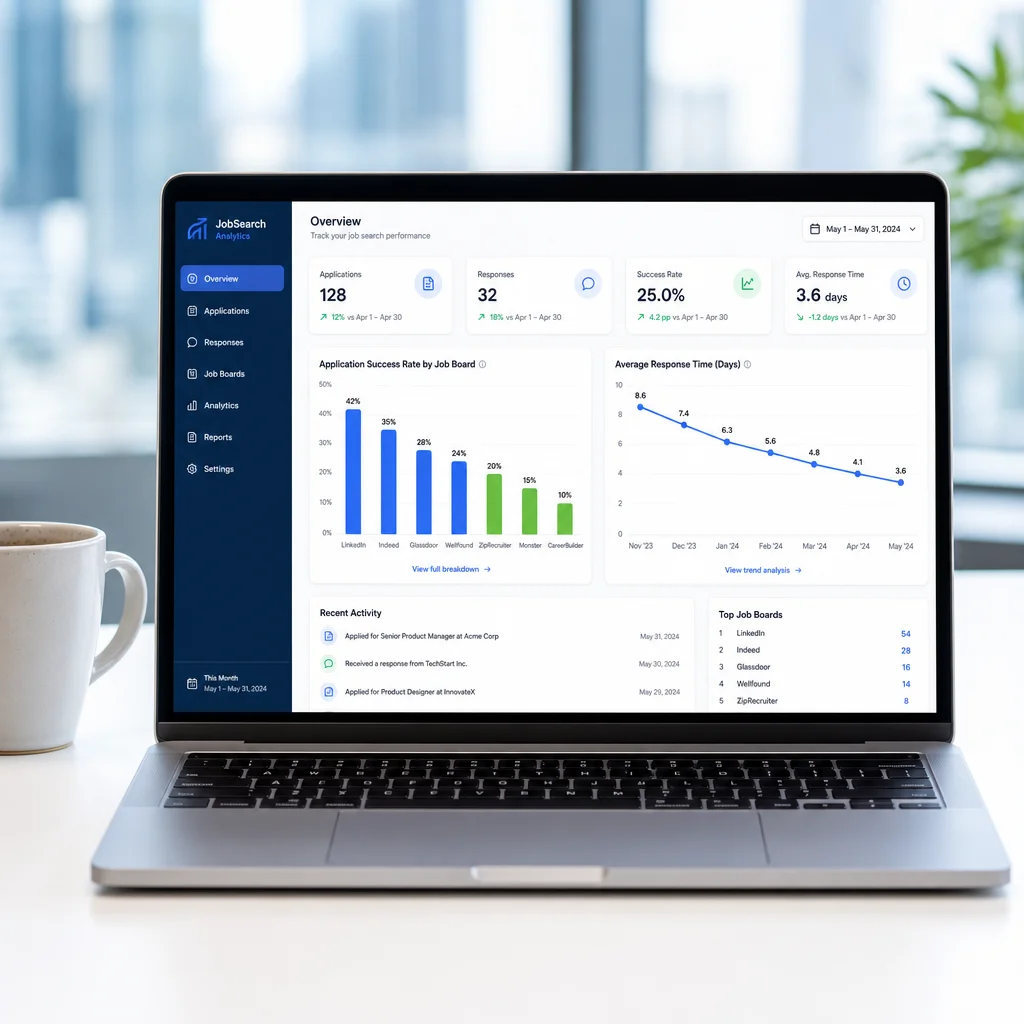
Caption: Use your own response data to focus on what is working.
Choosing Between Trackers: What to Compare
| Feature | Why It Matters | What to Check |
|---|---|---|
| Ease of logging | Adding an application taking more than 30 seconds means you’ll stop using it. | Browser extension, email forwarding, or quick-add? |
| Reminders | Follow-ups are the highest-leverage action in a job search. | Customizable intervals for each stage? |
| Calendar sync | Prevents interview scheduling mistakes. | Automatic calendar invites and timezone handling? |
| Analytics | Shows which sources and strategies work. | Response rates by job board, industry, or resume version? |
| Privacy | Your job search data is sensitive. | Encryption, data export, and a clear privacy policy? |
| Price | Free plans often cap active applications or integrations. | What does the paid plan include, and can you export data? |
Free vs paid trackers: A free tier is common, but price alone shouldn’t decide it. Free plans typically cover one active search with basic statuses. Paid ones add calendar sync, unlimited applications, data export, and integrations. Figure out which features matter before you commit.
Integration: Don’t Add More Work
The tracker you’ll stick with is the one that fits your workflow. If it doesn’t mesh with how you already operate, it’ll be abandoned within a week.
Look for something that syncs with your calendar, email, and job boards. Forward an application email and a new entry should appear automatically. Interview invites should land on your calendar without manual typing.
The pro tip here: Skip any tracker that demands 10 minutes of data entry per application. You won’t keep that up. The good ones let you log a new application in under 30 seconds.
What to Avoid in a Job Application Tracker
Some trackers aren’t worth your time. Here’s what to skip:
- Overly complex tools. If logging your first application requires a tutorial, move on.
- No mobile app. You’ll want to check statuses and update entries from your phone.
- Privacy concerns. You’re storing sensitive information. Make sure the tool has proper security measures.
- Overpromises. No tracker guarantees job offers. Anyone who says otherwise is selling you something.
Frequently Asked Questions
What is the most important feature in a job application tracker?
An easy-to-update status pipeline matters most. If logging an application takes longer than 30 seconds, you won’t keep it current. Clean status tracking plus automatic reminders gives you a single source of truth for every application.
How often should I update my job application tracker?
Set aside at least 15 minutes every Friday to update it. Log new applications the moment you send them, and let automated reminders handle follow-ups. A weekly review keeps stale applications in view, so you can see where to nudge and where to move on.
Will a job application tracker help me get more interviews?
No tracker guarantees interviews, but it does make your follow-up more consistent. Candidates who stay on top of follow-ups and monitor their progress tend to let fewer opportunities slip. The data you collect also shows which job boards and strategies actually pay off, so you can focus your energy there.
Your Next Steps
Skip the 50 stuff. You need a handful of solid features, the ones you will genuinely use.
Key takeaways:
- Track everything. Every application, every status, every deadline.
- Automate follow-ups. Consistency beats intensity.
- Use the data. See what works and double down.
- Keep it simple. The best tracker is the one you use.
Your job search comes down to numbers. The candidate who follows up consistently and stays organized will always beat the one firing off more applications without tracking any of them.
Get your tracker set up this week. Add what you remember, then start fresh going forward. A month from now, you will have data and insights most candidates never get close to.
What’s your current workflow? Spreadsheet, notes app, or a dedicated tracker? Tell us in the comments, and if this guide helped, pass it along to someone mid-job-search.
Build your resume while you’re at it. You deserve a document that matches your organization game.

About the author
Yuvraj Bajwa
Founder, Resumae
Yuvraj Bajwa is the founder of Resumae, an AI job-search workspace built as part of Coffee Drop Studio. He writes and reviews the resume, cover letter, interview, and application-tracking guidance on this site, drawing on the day-to-day work of building the tailoring, fit analysis, and ATS tools the articles describe.
- Founder
- Product lead
Related reading
Use a Job Posting to Predict Interview Questions
Stop prepping blind in 2026. Decode any job description to predict interview questions, map your experience, and craft STAR stories employers want to hear.
How Long Should a Resume Be? 1 vs 2 Pages (2026)
Stop guessing resume length in 2026. See data from HR surveys and industry standards, plus the federal two-page rule, to choose 1 or 2 pages confidently.
Does Tailoring Your Resume Really Matter for ATS?
Learn the truth about ATS resume screening, why tailoring genuinely improves your chances, and how to customize efficiently without rewriting from scratch.
Next step
Ready to build a resume that gets noticed?
Paste a job description and let AI tailor your resume - free plan, no credit card required.