Senior Resume Tips: Write a Resume That Commands Attention
Senior guide for directors, VPs, and executives in 2026: turn your resume from job history into a strategic leadership narrative that wins interviews fast.
WorkHunt articles are written to help job seekers make better application decisions and are reviewed against our editorial policy.
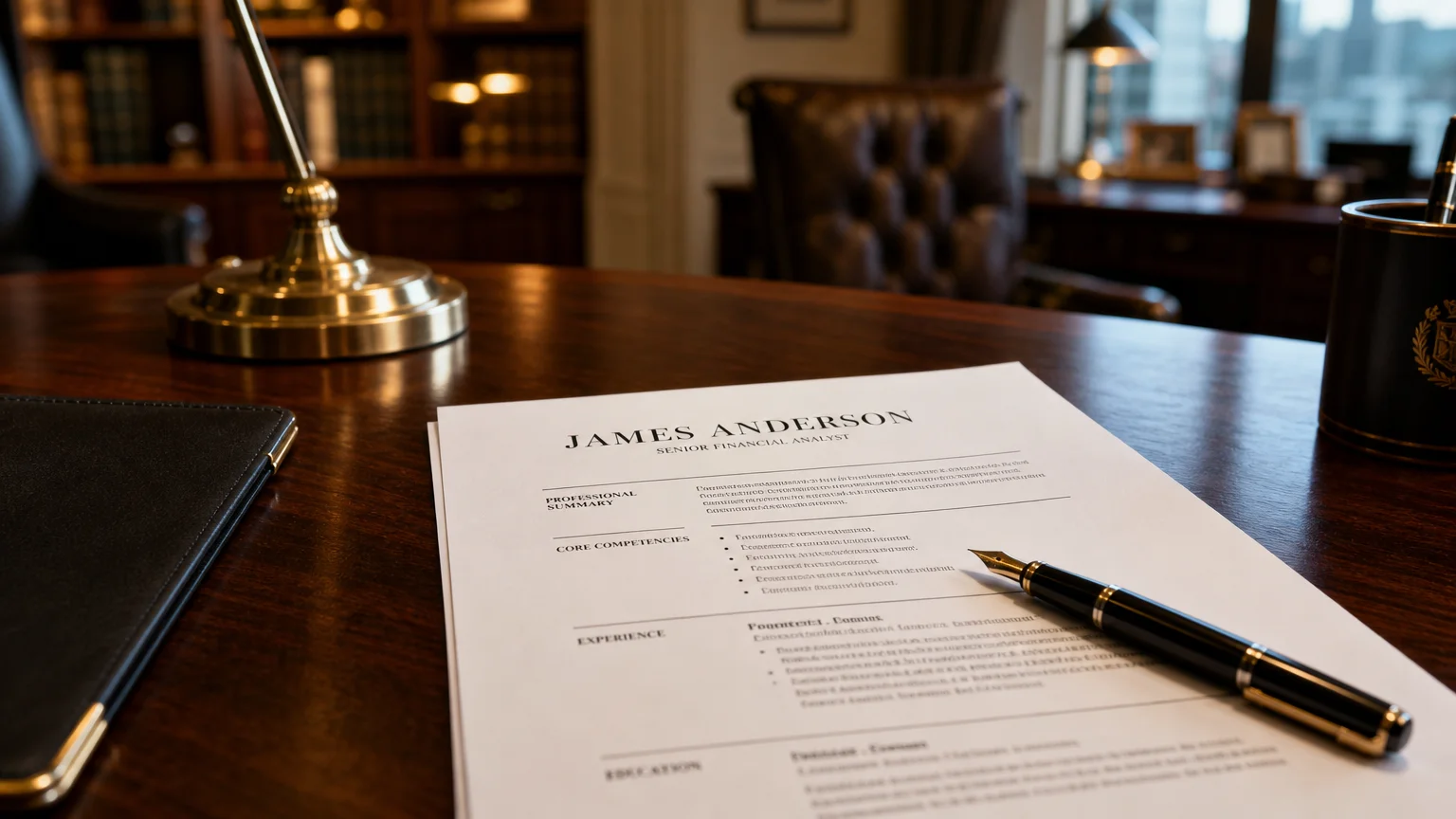
Your resume isn’t a job history. At your level, it’s a strategic marketing document.
You’re not competing on years of experience anymore. Everyone applying for that VP role has 20+ years. What separates you is how you frame your leadership impact.
What is a senior professional resume? A senior professional resume is a concise, results-focused summary of your leadership experience. Its purpose is to show hiring decision-makers how you create measurable business impact at the director, VP, or C-suite level.
Expect your resume to get only a few seconds of a recruiter’s attention in the initial screening pass. If they don’t see clear, quantified leadership value immediately, they move on.
Here’s how to write a senior resume that gets read, gets remembered, and gets you in the room.
Start With an Executive Summary That Hooks
Your executive summary is your elevator pitch. It’s the first thing a recruiter reads after your name. Most candidates waste this space with generic statements like “Seasoned leader with 20 years of experience.”
That tells them nothing.
Your summary should answer three questions in 3-4 sentences:
- Who are you as a leader?
- What industries have you driven results in?
- What’s your superpower?
Weak summary:
Senior executive with extensive experience in technology and operations. Proven track record of leading teams and driving growth.
That’s a job description, not a pitch. It could describe anyone.
Strong summary:
Results-driven Chief Operating Officer with 15+ years scaling SaaS operations from $20M to $200M ARR. Expert in building high-performing teams across 3 countries and streamlining processes that cut operational costs by 35%. Known for turning around underperforming divisions and aligning operations with aggressive growth targets.
See the difference? This version shows what you’ve done, where you’ve done it, and what you’re best at. It reads like a leader’s introduction, not a list of titles.
The summary is where you set the narrative for everything that follows. Make it count.
Lead Every Section With Quantified Achievements
Here’s the hard truth: nobody cares what you were “responsible for.” They care what you actually accomplished.
Your bullet points need to follow the Action + Project + Result formula. Many university career offices - including Yale’s Office of Career Strategy - recommend a results-focused format for high-impact resume bullets. It works like this:
Action: What did you do? Project: What were you working on? Result: What measurable outcome did you achieve?
Weak bullet:
Responsible for global supply chain operations and logistics.
Strong bullet:
Led global supply chain overhaul across 12 countries, reducing delivery times by 28% while cutting logistics costs by $4.2M annually.
The second bullet tells a complete story. It shows you don’t just hold responsibility - you drive results.
Pro tip: If you’re struggling to quantify, estimate conservatively. “Reduced costs by approximately 15%” beats “reduced costs significantly” every time.
Choose the Right Format: Single-Column, Two Pages
The format debate is over. For senior roles, the answer is clear:
- Single-column layout. Always. Multi-column resumes confuse ATS systems and frustrate human readers who have to scan across the page. Pinterest boards are for inspiration, not your resume.
- Two pages maximum. Yes, two pages is acceptable at your level. But every line must earn its place. If the second page is filler, cut it.
- PDF format. Save your resume as a PDF with your name in the filename (e.g., Jane-Smith-Resume.pdf). It preserves your formatting and looks professional.
Your resume should be scannable in 15 seconds. That means clear section headers, consistent formatting, and key information where recruiters expect to find it.
Tailor Everything to the Target Role
You cannot send the same resume to every position. At the senior level, customization is non-negotiable.
If you’re pursuing a strategy role, lead with your vision, big-picture thinking, and transformation initiatives.
If you’re pursuing an operations role, lead with process improvements, efficiency gains, and team management metrics.
Your executive summary and top 3-4 bullets should change for every application. They should mirror the language and priorities of the job description.
Insider tip: Look at the job description. Identify the top 5 keywords or themes. Ensure those exact phrases appear in your resume naturally - in your summary, your achievements, or your skills section.
Prove Adaptation and Current Relevance
Here’s a concern many experienced professionals have: “Will they think I’m out of touch?”
Your resume needs to prove you’re current. Not by listing your age or years of experience, but by demonstrating that you understand today’s business landscape.
Show evidence of:
- Leading digital transformation or AI initiatives
- Managing remote or hybrid teams
- Navigating post-pandemic operational challenges
- Working with modern tools and methodologies
Example:
Spearheaded digital transformation across sales operations, implementing CRM automation that increased pipeline visibility and shortened sales cycles by 22%.
This shows you’re not just experienced - you’re evolving.
Navigate ATS With Deep Experience
Applicant Tracking Systems (ATS) are a reality. Automated screening tools filter resumes before a human ever sees many of them.
Condensing 15+ years of experience is hard. But here’s what works:
- When to include: Focus on the last 2-3 roles in detail. Beyond that, list earlier positions with title, company, and dates only.
- How to condense: Combine similar roles. “Senior Director, Operations (2015-2019) - Promoted from Director, Operations (2013-2015)” saves space and shows progression.
- Keyword alignment: Use exact phrases from the job description. If they say “strategic planning,” don’t write “long-range forecasting.”
- Formatting: Stick to standard headings (Professional Summary, Experience, Education). ATS bots struggle with creative sections.
One warning: don’t keyword-stuff. Write naturally for the human reader while ensuring the right terms are present.
Common Pitfalls to Avoid
1. Dated resume formats. Photo on the resume. Tables. Fancy graphics. Career objective statements. All of these are outdated. Modern senior resumes are clean, text-based, and focused.
2. Vague, responsibility-only bullets. If your bullet points sound like they came from a job description, rewrite them. Every bullet should show impact.
Less effective:
Managed a team of 15 and oversaw departmental budget.
Stronger:
Led cross-functional team of 15, managing $3.5M budget while delivering 4 major product launches on schedule and under budget.
3. Information overload. You have 2 pages. Don’t list every certification, every board seat, every minor accomplishment. Include only what’s relevant to the role you’re pursuing.
4. Weak verbs. “Contributed to,” “assisted with,” “participated in” - these are passive words that undersell your impact. Lead with strong action verbs: “Spearheaded,” “Transformed,” “Drove,” “Orchestrated,” “Accelerated.”
5. Age or tenure emphasis. Never write “40+ years of experience” or “seasoned veteran with decades in the industry.” Focus on what makes you relevant NOW, not how long you’ve been around.
Your Final Checklist
Before you submit:
- Is your executive summary tailored to THIS role?
- Does every bullet point show quantified impact?
- Is the format clean, single-column, and two pages max?
- Are the top keywords from the job description included naturally?
- Does your resume prove current relevance and adaptability?
- Did you save as a PDF with your name in the filename?
Senior resume example comparison:
The example below is illustrative - use it as a template for rewriting your own bullets.
Before (resume as job history):
XYZ Corporation, VP of Operations (2018-Present)
- Responsible for operations across 5 regions
- Managed supply chain and vendor relationships
- Led team of 200 employees
- Oversaw annual budget
After (resume as strategic narrative):
XYZ Corporation, VP of Operations (2018-Present)
- Transformed supply chain across 5 regions, cutting delivery times by 25% and saving $6.8M annually
- Rebuilt vendor management program, renegotiating contracts that reduced costs by 18%
- Led 200-person cross-functional team through post-COVID recovery, maintaining 99% on-time delivery
- Directed $45M operating budget while driving EBITDA margin improvement from 12% to 19%
The second version doesn’t just list what you did. It proves you made a difference.
Progress Over Perfection
Your senior resume will never be “finished.” Every role, every company, every emerging priority changes what you should emphasize.
But here’s what you can do now: commit to upgrading one section this week. Rewrite your executive summary. Quantify your top 5 achievements. Transition to a clean single-column format.
Each upgrade compounds. A stronger summary gets you more scans. Better bullets hold attention. Clean formatting builds trust.
Your experience already speaks for itself - now your resume needs to say it louder.
Key takeaways:
- Lead with your story. Your executive summary is a pitch, not a bio.
- Show impact, not activity. Use Action + Project + Result for every bullet.
- Format for clarity. Single-column, two pages, ATS-friendly.
- Tailor relentlessly. Adjust your summary and top achievements for every application.
Ready to rebuild your senior resume? Start with your executive summary and your top 3 achievements. The rest can follow.
Frequently Asked Questions
How long should a senior executive resume be?
Two pages is acceptable at the director, VP, and C-suite level, provided every line earns its place. If the second page is filler, cut it.
Should I include a photo on my resume?
No. Photos, tables, graphics, and career objective statements are outdated. Modern senior resumes are clean, text-based, and ATS-friendly.
How far back should my resume detail experience?
Focus on the last 2-3 roles in detail. Earlier positions can be listed with title, company, and dates only to save space while still showing progression.
How do I get past ATS filters?
Use standard section headings, mirror the job description keywords naturally, avoid tables and multi-column layouts, and save your final resume as a PDF.
Editorial note: This guide was compiled by the WorkHunt editorial team from public resume-writing guidance, university career-office recommendations, and executive job-search best practices. Before/after examples are illustrative composites designed to demonstrate the quantified-impact principles discussed here.
Found this useful? Share it with another leader who is preparing for their next career move.

Yuvraj Bajwa
Editorial AuthorFounder, WorkHunt
Yuvraj Bajwa is the founder of WorkHunt, an AI job-search workspace built as part of Coffee Drop Studio. He writes and reviews the resume, cover letter, interview, and application-tracking guidance on this site, drawing on the day-to-day work of building the tailoring, fit analysis, and ATS tools the articles describe.
- Founder
- Product lead