The 30-Second Resume Rule: How Recruiters Scan Your Resume
Recruiters scan resumes in 7 seconds. Learn eye-tracking heatmap secrets and optimize your resume for the quick scan and 30-second screen in 2026.
By Yuvraj Bajwa, Founder, Resumae
July 12, 2026 · Updated August 10, 2026 · 6 min read
Resumae articles are written to help job seekers make better application decisions and are reviewed against our editorial policy.
Last updated: August 10, 2026
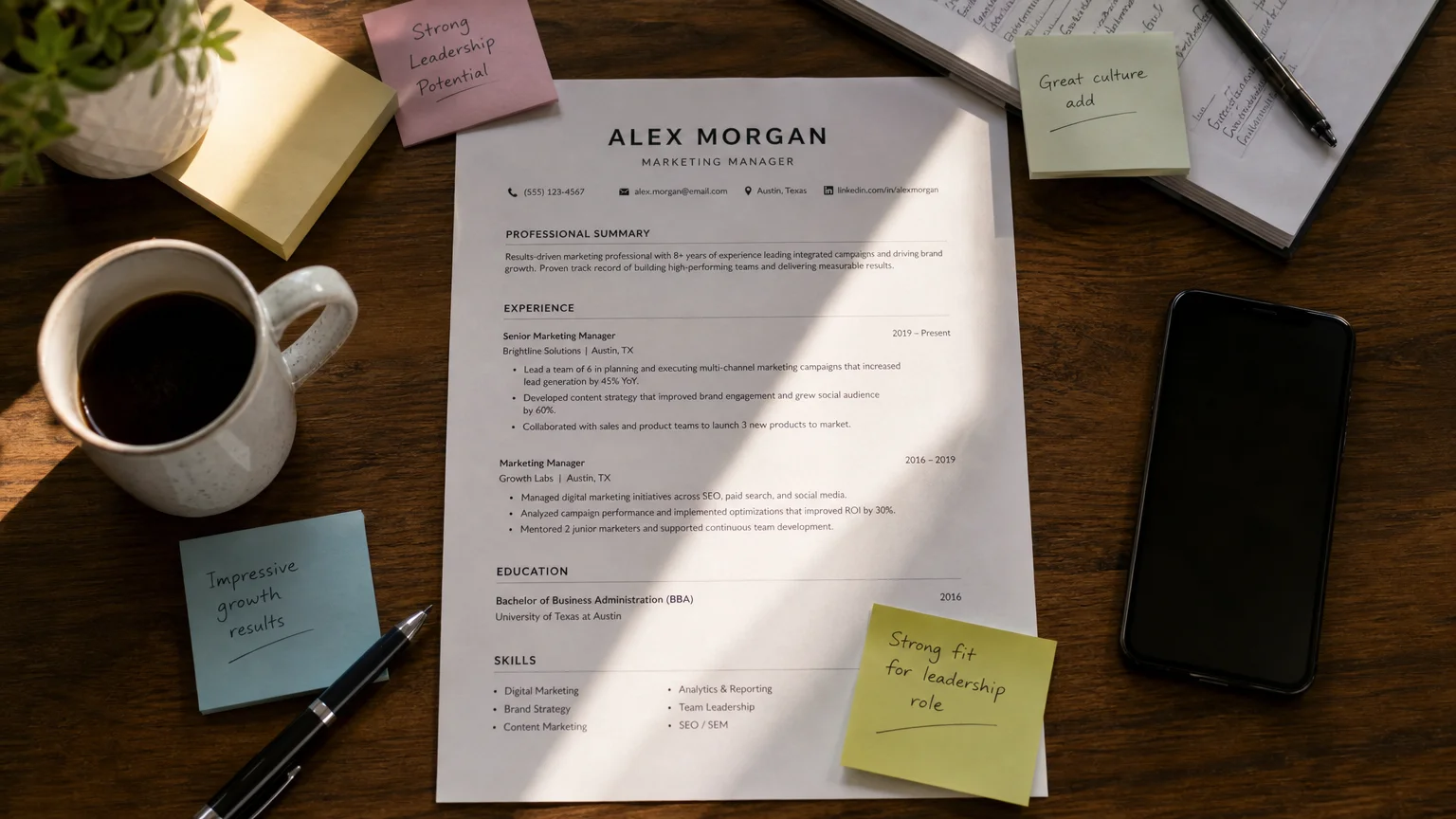
You’ve heard the stat: Recruiters only spend 7 seconds on your resume.
That number sounds alarming, but it describes only the first pass.
The research separates the 7-second scan from the 30-second screening. Your resume has to work for both stages.
The Eye-Tracking Evidence
The most cited study on this topic is TheLadders’ 2018 eye-tracking research [1]. Although it is nearly a decade old, later studies continue to support its core findings. The study tracked 30 professional recruiters over 10 weeks and found that recruiters spent an average of 7.4 seconds on their first scan before making a fit/no-fit decision [2].
That is only the initial scan. The full review process, the 30-second screening, is where recruiters look more closely [3]. Your resume needs to survive both.
The First 7 Seconds: What Recruiters Look At
Eye-tracking studies consistently show that recruiters scan resumes in a predictable F-pattern: left to right, top to bottom, focusing on specific fixation points [4]. In those first few seconds, their eyes land on just 6 key areas [5]:
- Name (top of the page)
- Current title and company
- Start/end dates of current position
- Previous title and company
- Dates of previous position
- Education section
At this stage, they aren’t reading your summary or weighing your bullet points. It’s a heatmap check: you exist, you look qualified on paper, and nothing jumps out as an immediate red flag, like a year-long gap or a title that doesn’t fit the role [6].
Seconds 8-30: The Deeper Screening
Pass that initial 7-second scan and the recruiter moves into the screening phase, which takes roughly 23 more seconds of closer review [7]. What they’re checking:
- Keywords from the job description
- Quantifiable achievements (numbers, percentages, dollar amounts)
- Skills alignment (does this candidate actually have the hard skills listed?)
- Formatting signals (clean layout = organized thinker; cluttered layout = chaos)
- Career progression (did they grow in their last role? Move up? Switch industries?)
This is where resumes die. A solid title and dates get you through the heatmap scan, but vague bullets or a messy skills section will stop you cold during screening.
How to Design for the Scan
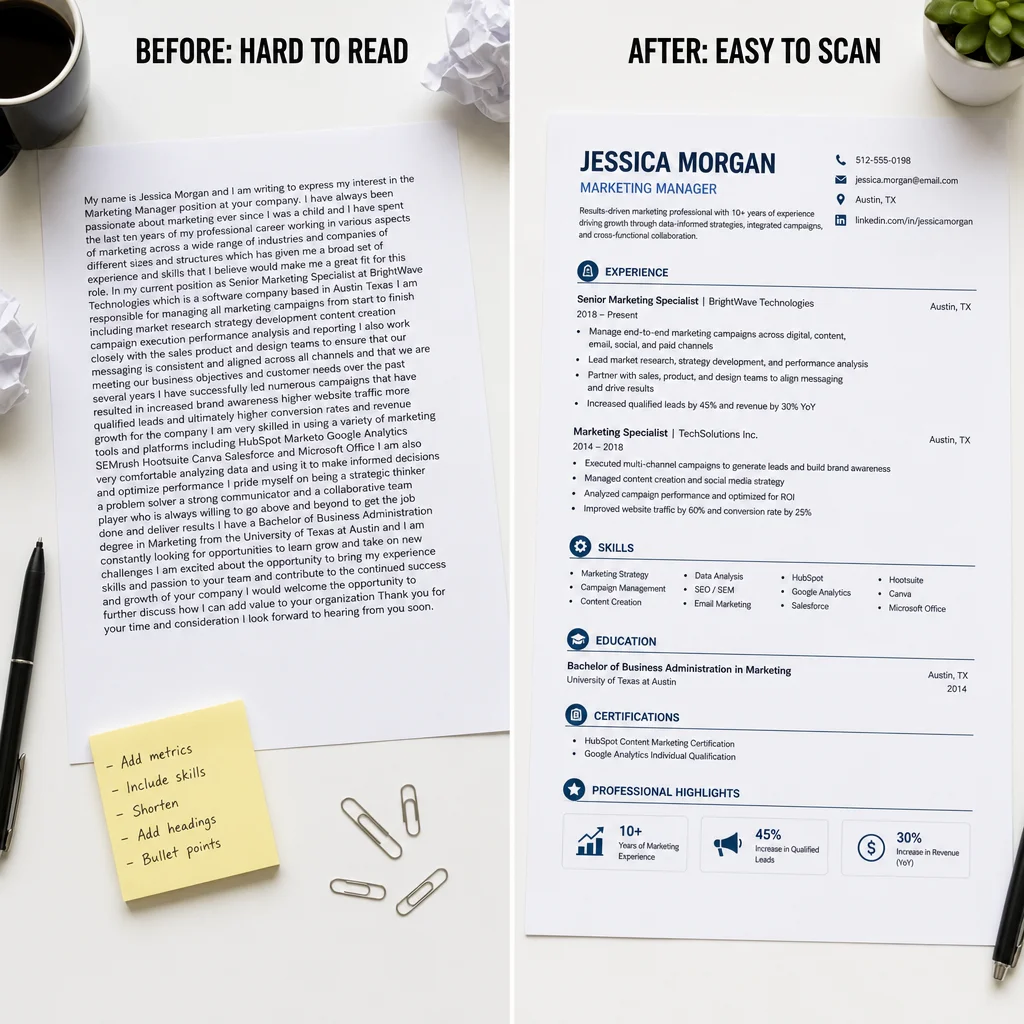
Build your resume for scannability, not close reading. That means:
- Bold headings that clearly separate sections (Experience, Education, Skills)
- Bullet points instead of paragraphs (recruiters scan bullets, not blocks of text)
- White space between sections (clutter = instant no)
- Strategic placement of your most important keywords near the top of each section
- A clean, single-column layout (multi-column formats confuse the F-pattern scan)
The 6 Fixation Points in Detail
Here are the six areas that grab a recruiter’s attention first, along with what to verify in each.
1. Your Name
Go big: bold 16-20pt font sits above everything else. Don’t hide it inside a graphic or an ornate typeface.
2. Current Title & Company
Your title should line up with the job you’re chasing, or come close. Suppose yours says ‘Customer Experience Associate’ while the opening is for ‘Account Manager,’. Slip a parallel version into parentheses instead of leaving it mismatched.
3. Dates of Current Position
Keep it truthful. Gaps happen. Yet when you left a role last month and this section still reads old, any recruiter will spot that straight away.
4. Previous Title & Company
Apply the same thinking as #2. A title that doesn’t carry over into a new industry needs clarifying, plain and simple.
5. Dates of Previous Position
This is where recruiters gauge how your career has moved. Stints under a year can trigger questions; stretches of 3-5 years show steadiness.
6. Education
Put down your degree, school, and graduation year. Just out of school? Shift this block above experience. With 5+ years behind you, drop it lower.
Common Mistakes That Kill Your Resume in Seconds
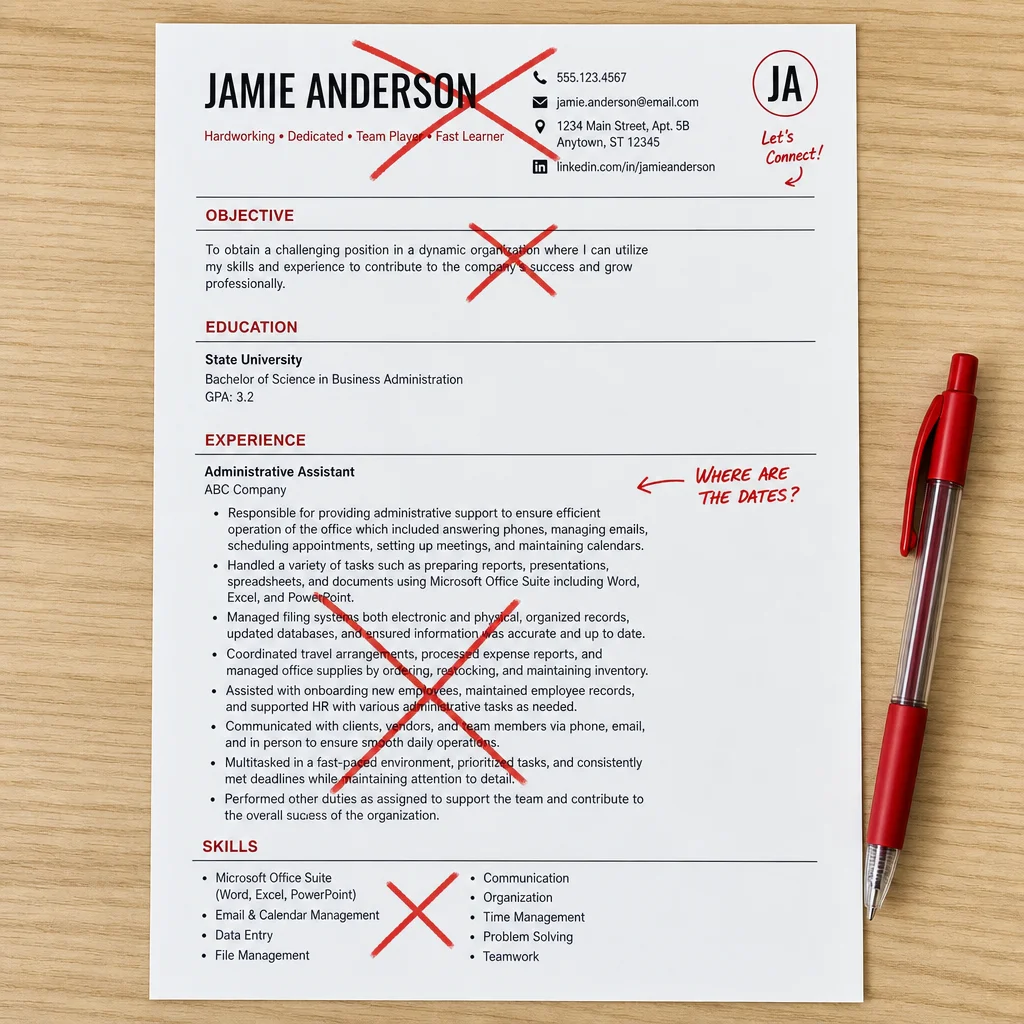
- Cluttered layout: too many columns, excessive graphics, or tiny fonts (9pt or smaller) make scanning difficult
- Missing dates: recruiters use dates to assess timeline and gaps; missing them is an instant red flag [8]
- Vague summary: ‘Results-oriented professional seeking a challenging role’ tells them nothing
- Lack of keywords: if your resume does not include terms from the job description, you may be invisible to both the recruiter and the ATS
- Irrelevant experience: putting a job from 10 years ago at the top, when it has nothing to do with the role you’re applying for, just eats up prime space
Actionable Checklist: Pass Both the 7-Second and 30-Second Tests
For the 7-Second Scan:
- your name sits at the top in large, bold type
- your current title and company are listed clearly and line up with the target role
- every position has dates, and they’re consistent
- education is easy to spot, top or bottom, never buried
- no obvious red flags like unexplained gaps or titles that don’t fit
For the 30-Second Screening:
- each role gets at least 3-4 bullets with numbers attached (like ‘Increased sales by 30%’)
- keywords pulled straight from the job description show up in both your skills section and your experience bullets
- the layout stays clean: one column, bold headings, bullets, breathing room
- progression reads clearly, promotions, growing responsibility, roles that fit the industry
- no typos or grammar slips (yes, recruiters look during that 30-second pass)
Conclusion: Every second counts
Before they read closely, recruiters scan.
You don’t need a literary masterpiece here. You need something that survives a 7-second heatmap check, then keeps its footing through a 30-second screening. Design for both passes and you’ll move forward more often.
Every section, bullet, and word should earn its place during that scan.
Ready to build a resume that passes both tests? Create your scannable resume in minutes on Resumae.xyz. It is free to start.
Sources:
- TheLadders Eye-Tracking Study (2018) - Full PDF
- HR Dive - Eye tracking study shows recruiters look at resumes for 7 seconds
- StandOut CV - How long do recruiters spend looking at your CV?
- Resume Heatmap - Eye-Tracking Study: 6 Fixation Points
- Wonsulting - Hidden Eye Tracker: How Recruiters Actually Read Resumes
- ProfileOps - Where Recruiters Look on Your Resume (Eye-Tracking)
- Sydney Morning Herald - Clear and legible: Does your resume pass the 30-second check?
- The Undercover Recruiter - 30-Second Screening: Will Your Resume Survive?

About the author
Yuvraj Bajwa
Founder, Resumae
Yuvraj Bajwa is the founder of Resumae, an AI job-search workspace built as part of Coffee Drop Studio. He writes and reviews the resume, cover letter, interview, and application-tracking guidance on this site, drawing on the day-to-day work of building the tailoring, fit analysis, and ATS tools the articles describe.
- Founder
- Product lead
Related reading
7 Steps to Write a Resume: Blank Page to ATS-Ready
Follow a 7-step guide to write a resume that passes ATS filters and reaches hiring managers. Cover format, keywords, achievements, and proofreading for 2026.
Graduate Resume Guide: Win Entry-Level Jobs in 2026
Evidence-based graduate resume strategies to turn limited experience into quantified, ATS-friendly wins that earn interviews.
How to Write a Career Change Resume That Gets Noticed
Learn to write a career change resume that gets interviews in 2026. Highlight transferable skills, choose the right format, and target keywords effectively.
Next step
Ready to build a resume that gets noticed?
Paste a job description and let AI tailor your resume - free plan, no credit card required.